
User installation
If the add-in is not installed from a centralized deployment, you can install it directly from the Add-ins Store.
For Outlook desktop
- Open the Outlook application.
- Go to theInserttab on the ribbon.
- SelectGet Add-insorStore. This opens the Office Add-ins dialogue box.
- Browse the list of available add-ins or use the search box to find the CoCounsel for Microsoft Outlook add-in.
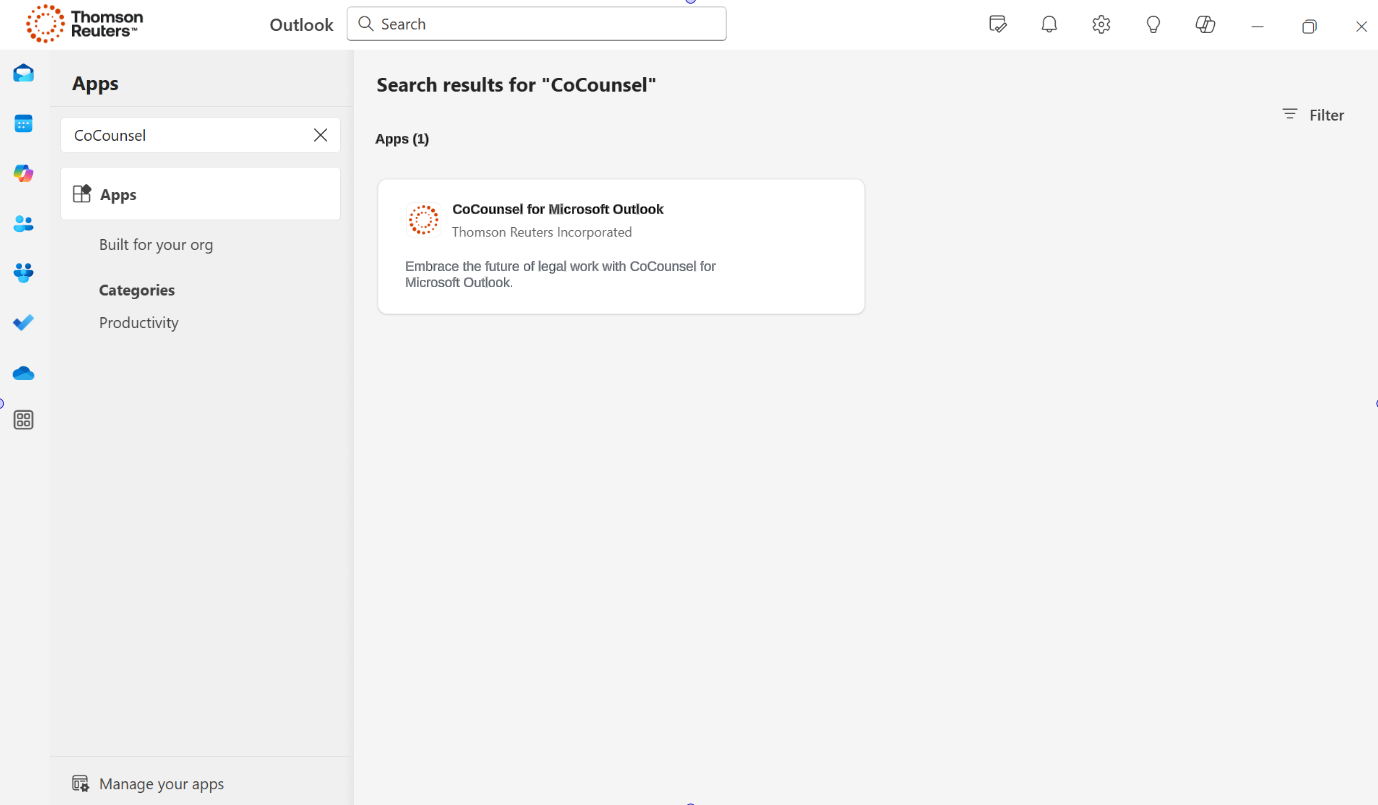
- Once you find the add-in, select it for more details.
- SelectAdd,Get, orInstallto add the add-in to your application.
For Outlook online
- Open the Outlook Web App.
- Look for theNew messageorReplywindow in Outlook Web App.
- SelectGet Add-ins,Office Add-ins, or a similar option.
- Browse the list of available add-ins or use the search box to find the CoCounsel for Microsoft Outlook add-in.
- Select the add-in to add it to your online Office application.
note
In some organizations, IT policies may restrict the ability to download or install add-ins. If you cannot install an add-in, you might need to contact your IT administrator.
View the How to install CoCounsel in Outlook video for installation guidance.