
Module administrators
Module administrators basically have control over everything relating to a specific module. For example, a module administrator can:
- Edit the details of a module
- Edit the module metadata
- Edit the module permissions
- Edit the module contacts (for comparison toolkits)
- Edit the module navigation (for comparison toolkits)
- Edit the module content elements (for videos, publications and events)
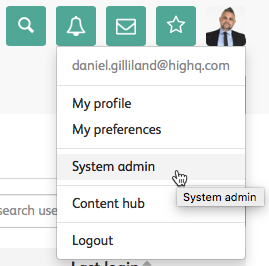
To give a user module administrator status, navigate to your profile dropdown and select
System admin
.
The
System admin
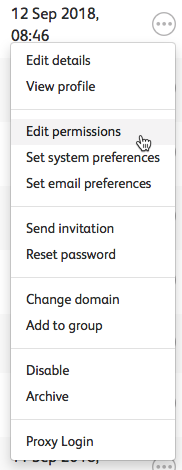
screen opens.Select the user you want to give module admin status to, and select 
More actions
.Within the
More actions
options, select Edit permissions
.
The
Manage permissions
screen opens.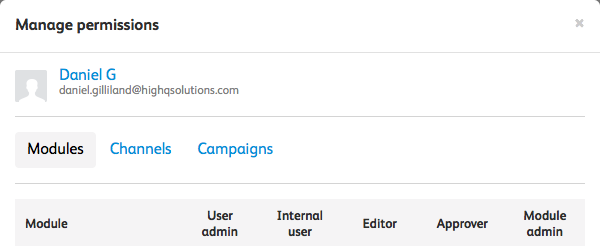
Which lists all of the available modules, and whether this user is user admin, an internal user, an editor, an approve or a module admin for each specific module. For example, you could change permission for the GDPR module.

Here, you can select which 'status' is given to the user, for that module.
To set the user as a module admin for the module, select the
Module admin
checkbox and select Save
. That user now has module admin access for the selected module.Related Content
-
Create content modules
Format: Article,
5 min read
Article,
5 min read