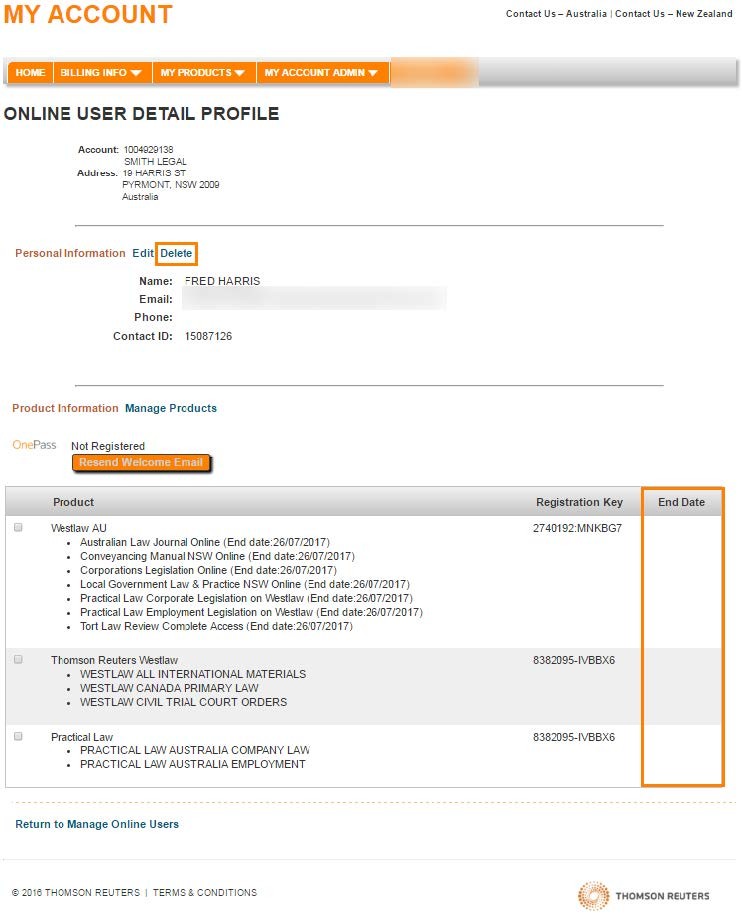
Remove or change an existing End Date
Follow these steps to remove or change an existing
End Date
.- Select the date listed in theEnd Datecolumn.
- To remove the existingEnd Date, delete the date in the date field.
- To change the existingEnd Date, modify the date in the date field.
- Select theSUBMITbutton.
My Account will display a confirmation of your request. If you are removing an existing
End Date
, My Account will state: The following user(s) will be deleted on [BLANK].If the user doesn't have an existing
End Date
and the column displays as [Blank], select the Delete
link and follow steps 3 and 4 in this article to delete the user.