Customising Grids
Hide or Display Columns
To display columns in a grid:
- Click the down arrow next to the gear icon in the upper right corner.
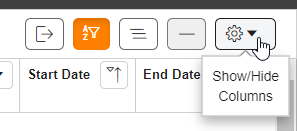
- Select the check boxes for the columns you want to be displayed. Clear check boxes to hide columns you do not want to be displayed. The grid is updated instantly. Click anywhere in the grid to close the menu.
Move Columns
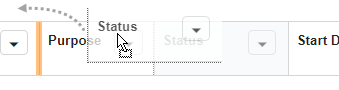
To reorder columns, click and drag a column header to the desired location.
Resize Columns
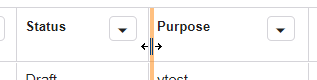
To resize columns, hover over the far right border of a column header until the cursor turns into a double arrow. Click and drag the border to adjust column width.