
Download the receipt for confirmation of e-filing
After you file the return, you can download or export the receipt.
note
The receipt or confirmation letter can include multiple returns.
- In ONESOURCE E-Filing Manager, go toHistory.
- InExports, selectReceipt Single fileorReceipt Merged file.noteIncluding all returns in 1 letter can be more efficient when the confirmation letter gets sent to 1 person for multiple returns.
The receipt will look something like this:
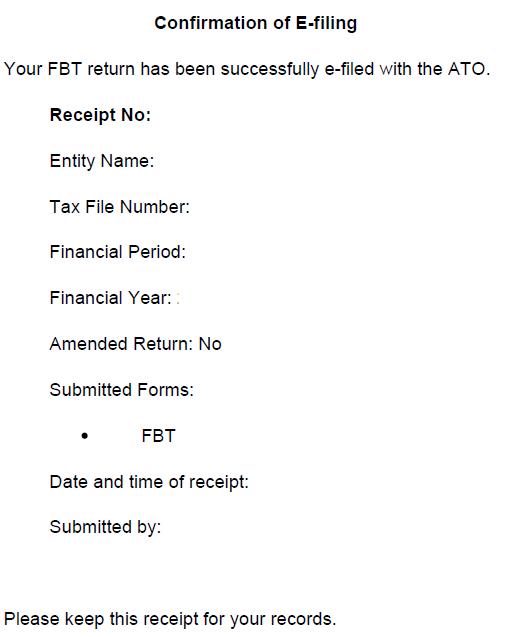
Confirmation of E-filing

Your FBT return has been successfully e-filed with the ATO.

Receipt No:
Entity Name:
Tax File Number:
Financial Period:
Financial Year:
Amended Return: No
Submitted Forms:
     - FBT
Date and time of receipt:
Submitted by:

Please keep this receipt for your records.