
Set the customer type
The customer type specifies if a user is a company or tax agent. A system administrator sets this up. Setting the correct customer type ensures the system sends the correct request messages to the tax authority. It clarifies whether you're submitting the return as a tax agent or directly as the reporting entity.
Company user roles include:
- Client administrator
- End user
- Tax agentnoteAustralian users must enter a Tax Agent ABN.
Tax agent user roles include:
- End user
- Client administratornoteWhen an organization has its own ONESOURCE E-Filing Manager instance but requires their tax agent to file the return, the client administrator creates a user ID for the tax agent and assigns the tax agent role. This ensures that the correct data is sent to the SBR lodgement service for the return. The tax agent role is only available if the customer type for the database is set toCompany.
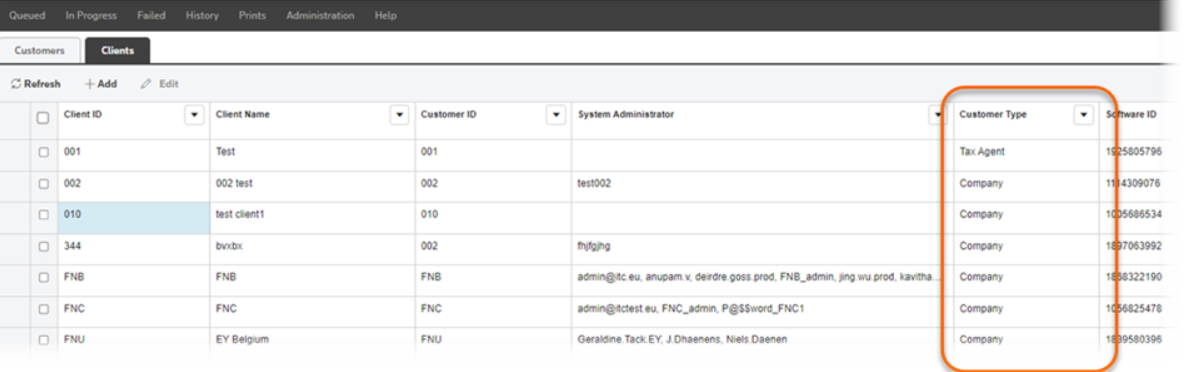
View the customer type
- SelectAdministration, thenClient Creation.
- Select theClientstab. TheCustomer Typecolumn lists whether a client is a Tax Agent or a Company.
Set the customer type when creating a new e-filing database
- In theClientstab, selectAdd.
- In theAdd new clientwindow, selectCompanyorTax Agent.