
Set up tax agents in E-Filing Manager
Organizations often grant their tax agents access to review or lodge their returns. You can enable this by setting up tax agents in E-Filing Manager.
Customer type: Tax Agent
- Select .
- Enter theAustralia Business Number (ABN)orUK Agent Reference Number (ARN).
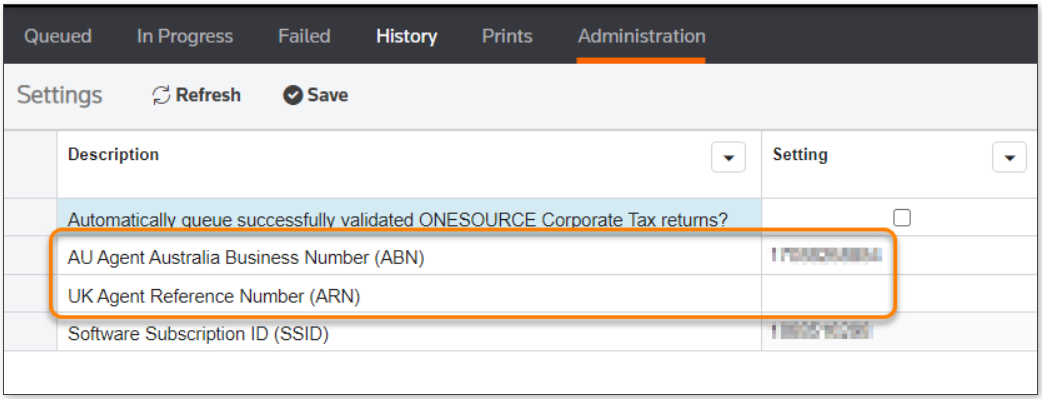
- SelectSave.
Customer type: Company (Jurisdiction: Australia)
- Ensure the User Role is set to Tax Agent.
- Select .
- Enter the tax agent’s ABN for the selected user.

- SelectSave.