Download database files
If you are an Admin of your organization or a creator of a database, you can now download individual files from your database.
Step 1: Navigate to your database
By selecting
Databases
from the sidebar, you can select the specific database you want to download the contents from where you will see the files contained in your database.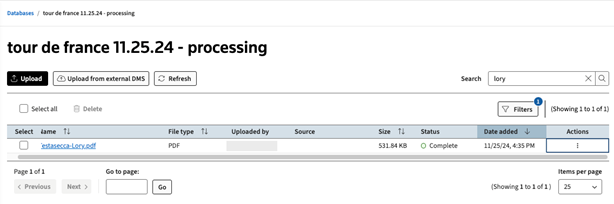
Step 2: Download file from Actions Column
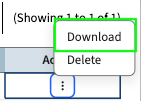
In your Database page, you can select the 3-dot kebab in the
Actions
column, and select Download
to download the file.