
Roll forward journal entries in Engagement Manager
You'll need a user account that has been granted permission to
Roll Forward Journal Entries
. Before you roll forward an engagement, you may want to check which journal entries are set to roll forward.
- In Engagement Manager, open the engagement from which you want to roll forward a journal entry.
- Select theJournal Entriestab.
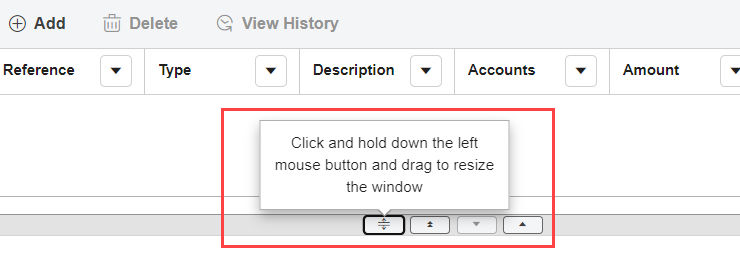
- Select a journal entry.tipIf the Journal Entry fields are not shown after you select a journal entry, use the window controls to change the view.Example
- Choose one of the following options from theRoll Forwarddropdown menu:
- Include
- Reverse
- Zero balances
noteThe default setting isExclude. - SelectSave.