
Open Contract Express from HighQ
To adjust admin settings and manage Contract Express templates, an admin can use links provided in the Profile menu.
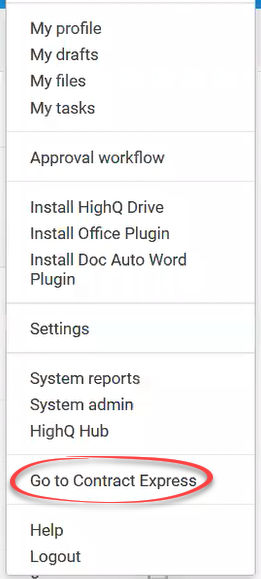
Open Contract Express from the Profile menu
A system admin who is a member of the
Contract express admins and authors
group can access the Contract Express environment from the Profile menu.
Click on your profile image, then select
Go to Contract Express
.
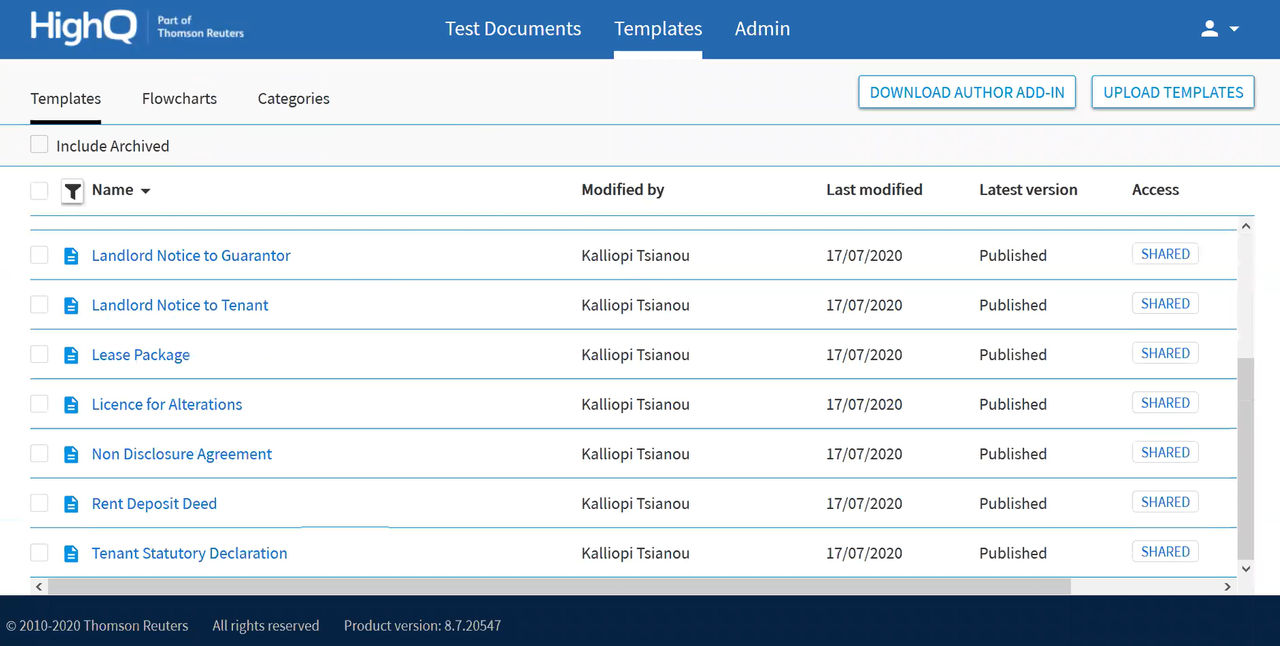
You can view Contact Express admin options, and access the library of templates created in Contact Express.
note
To simplify access, your HighQ credentials are used to automatically sign in to Contract Express.
note
To see more about Contract Express templates and admin, please access the Contact Express knowledge base.