
Sort (reorder) columns
By default, columns are sorted in the
Add record
, Edit record
, and View
(or Details
) pages in the order in which the columns were created. However, that order can be changed. On the Manage
columns page, there is a Sort columns
button:note
 will not appear if
 Once the
Sort columns
screen appears, you can then drag and drop the columns into the desired order.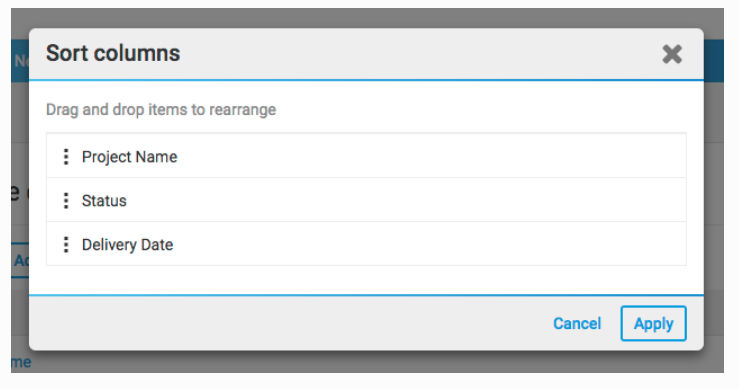
Select
Apply
to confirm the changes.note
The order in which columns appear in a table format view is governed by each view configuration, as described here.
Related Content
-
Create iSheet columns
Format: Article