
View columns in iSheet sections
View columns in a section
Sections allow site admins to group columns, allowing users to navigate the # screen more efficiently. You can expand sections and use the
Jump to
dropdown menu to go directly to a section.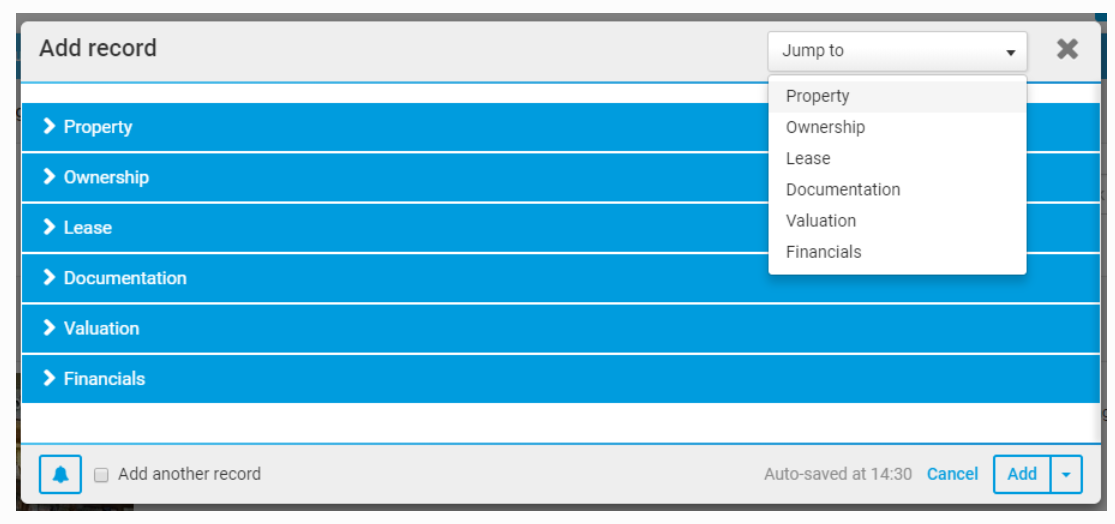
Site admins may also add descriptions to sections. Descriptions appear directly after a section title when it's expanded.
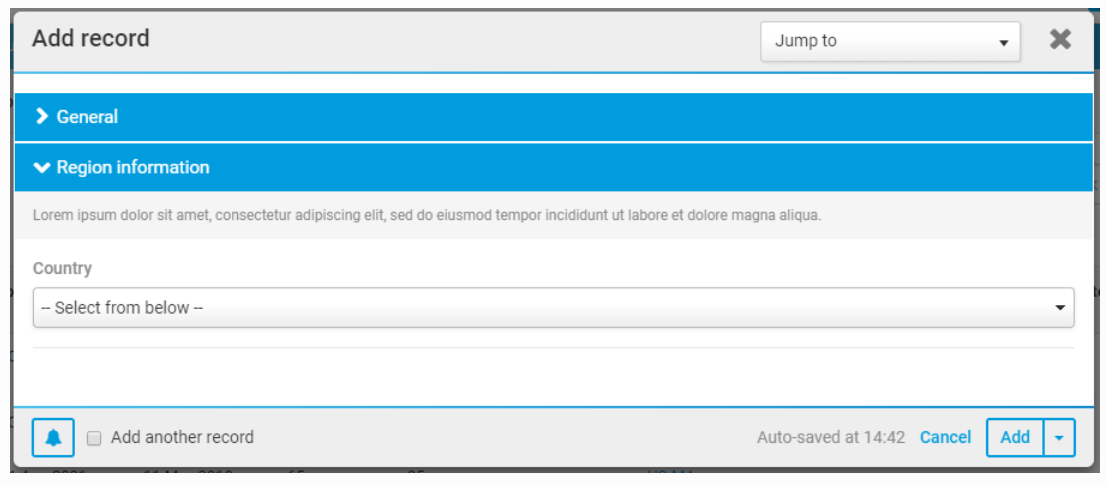
Columns organised into sections may be viewed on the following pages:
- Add and Edit item pages, including file and folder metadata iSheet edit pages.
- View item pages.
- File metadata iSheet document view review panels.
Sections do not appear and have no impact on iSheet views, which are always displayed in table format.
Related Content
-
Enable sections
Format: Article