
Legacy UI - iSheet actions for standard users
The legacy iSheet UI
note
For an updated and flexible experience, a system admin can enable or disable the modernized iSheets experience in System Settings.
A user without administrative privileges can do some or all of the following iSheet actions, depending on the user's permissions to the iSheet:
- All users can click on thebackbutton
 in their browser to view the previous page, with the same filtering applied.
note
The system does not remember the 'Load More' position if this has been used.
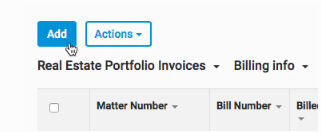
- SelectAddto add a new item.
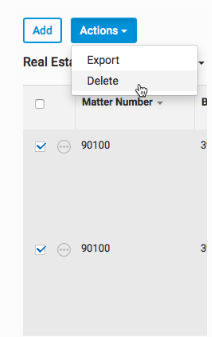
- SelectActionsthenDeleteto delete one or more existing items.
- You canExportthe items currently in view. Users may export the item table to PDF by selectingExport to PDFin theMore Actionsmenu.
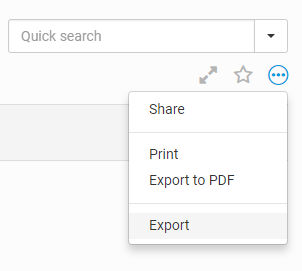
- Or you can export the data to Excel, CSV or XML by selectingExportthen choosing the format you want to export to.

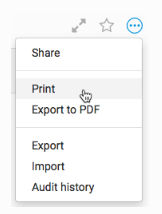
- You canPrintthe items currently in view in a printer-friendly format by selectingMore ActionsthenPrint.
- You canSearchfor items (and save the search). Enter a query in the Quick search box then press enter.
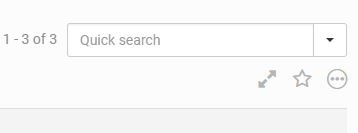
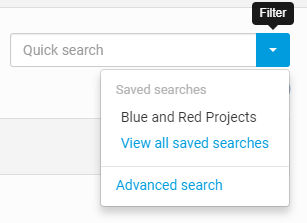
- You can run asaved searchby selecting the down arrow next to the Quick search box and selectingView all saved searches.
- You can mark an iSheet as afavouriteby selecting the star which representsAdd to favourites.

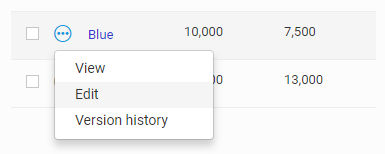
- You canEditan existing item by selecting the ellipsis next to the item then selectingEdit.
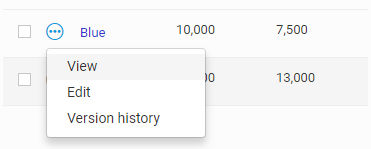
- You canViewan existing item by selecting the ellipsis next to the item then selectingView.
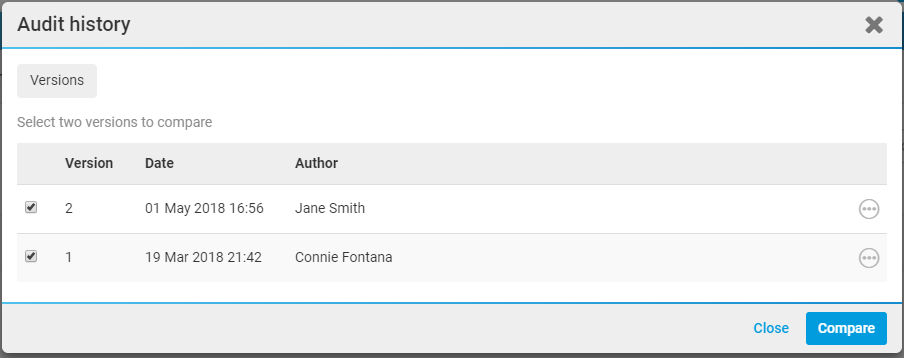
- You canCompareversions of an item. In the Audit history section, select 2 versions to compare then selectCompare.
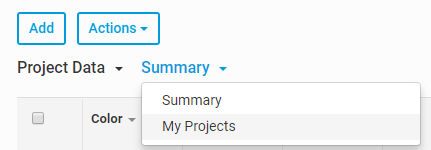
- You can switch to adifferent viewof the same iSheet by selectingSummarythenMy Projects.
- Navigate through all of the items in the view, includingsorting by columns.