
Importing and Exporting Themes
Publisher includes the ability to import and export themes. This enables you to quickly and efficiently import and export themes created by our partners and our professional services team.
note
Please note that in order to export and import themes, the HighQ support team must enable this feature.
Exporting Themes
To export a theme; within your instance, select
My Profile
, then System admin
.
The
System admin
screen is displayed. Within the System admin
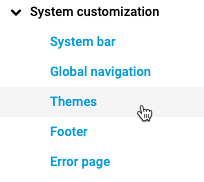
screen, select System customization
, then Themes
.
The
Themes
page is displayed.
The
Themes
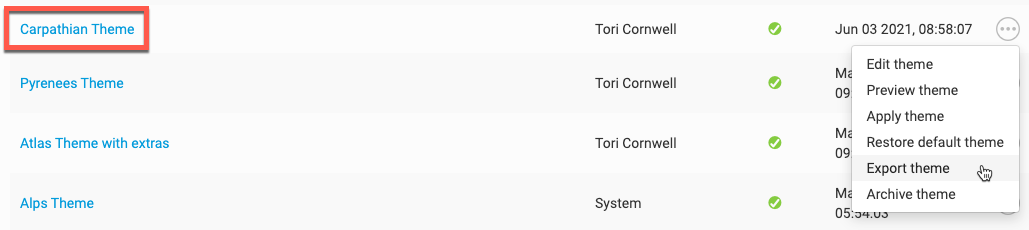
page list all default and custom themes available to you. Within the Themes
page, go to the theme you want to export, then select More actions
and Export theme
.
You will get an
Export theme
window with the following message: This process may take a number of minutes so please be patient
. Select
OK
to start the download of the theme. The Theme will automatically download and once downloaded, select the themeYou now have the theme downloaded and access to it in your files. Now it's time to import it to another site or instance of Publisher.
Importing Themes
Once you have exported a theme from your instance, or have received a .hqa file from someone else who has exported a theme from their instance, you need to select My Profile, then
System admin
from the dropdown menu.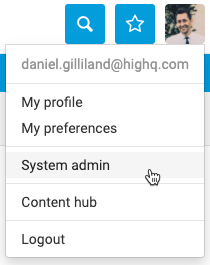
The
System admin
screen is displayed. Select System customization
, then Themes
.The
Themes
page is displayed.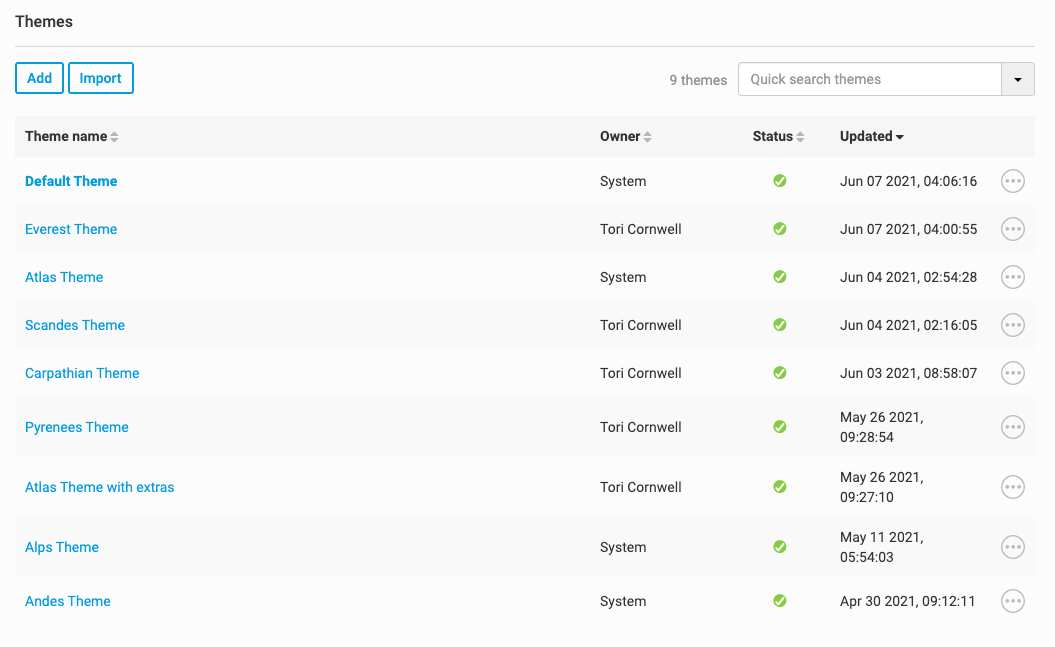
The
Themes
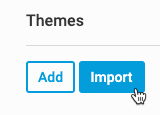
page will list all default and custom themes that are available to you. To import a theme into this list, select Import
.
The
Import theme
pop up will be displayed:Select
Browse
to browse for and select your theme:Once you have selected the theme, the system will quickly validate it. Select
Upload
.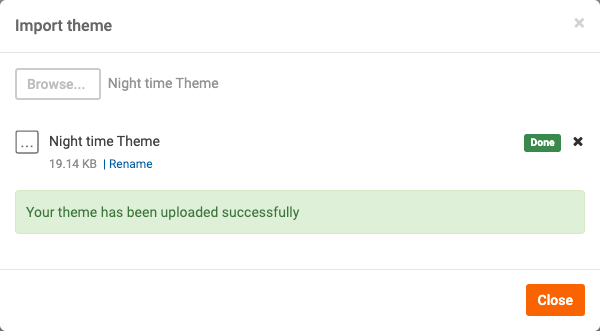
A message will be displayed showing whether your upload was successful or unsuccessful. If unsuccessful, please try again. If you continue to have problems, please contact HighQ Support.
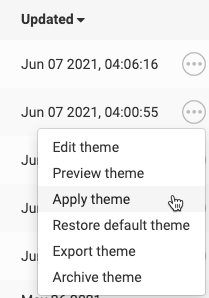
Once your theme has been uploaded, you can apply it by selecting
More actions
, then Apply theme
.
Your new theme is applied.