
Re-order related materials inside publications
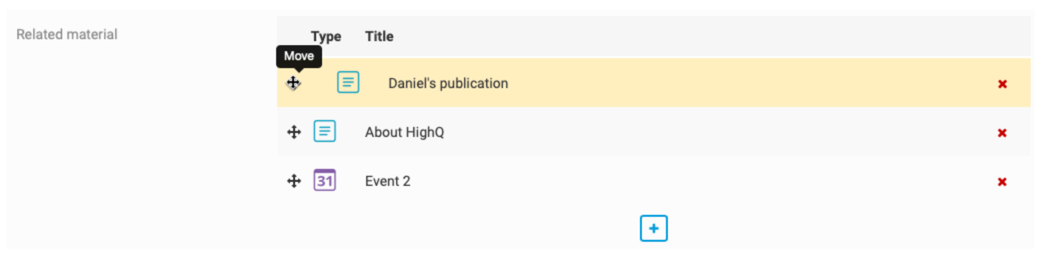
Users can now re-order related materials inside publications by dragging and dropping:
To do this, navigate to the
Content hub
in your profile drop-down: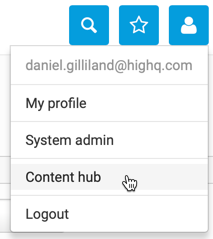
In the
Content hub
, create a new publication or edit an existing one, and scroll down to the Related material
section. In this section you can move the related material by dragging and dropping:
Select
Save
to save your changes.