
Export a single site template
To export a single template, in the
Manage templates
screen, select More actions
, then Export template
.
While the compatibility report is generated, the
Export template
screen opens.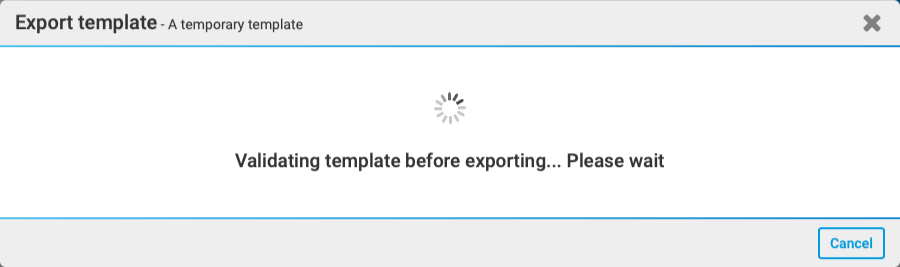
The
Export template - Dependency report window
opens. You'll get a message similar to the following:"We checked the dependencies of the site template you are attempting to export against content from other sites in the same instance. Below we provide the report of any findings"
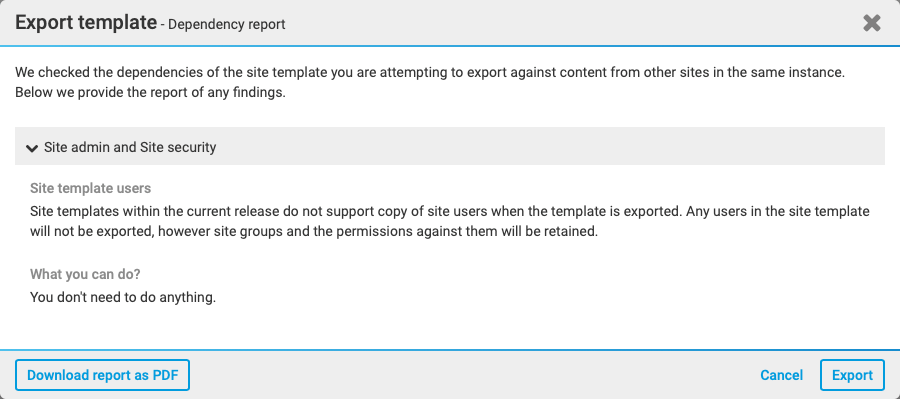
The report lists dependencies and findings. Select
Download report as PDF
to download the report as a PDF or Export
to export the template.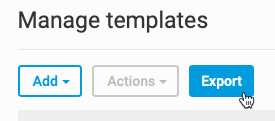
This downloads the list of site templates in .xlsx format.