
Exporting Analysis results to the Deal room results folder
In addition to exporting the results to HighQ iSheets, you can send the results generated by the guided workflow to the
Files
section of HighQ, making them available in the Deal room that contains the source documents. This provides a copy of the analysis alongside the original files, where you can review and manage it using HighQ's file management and collaboration features.The following results can be exported:
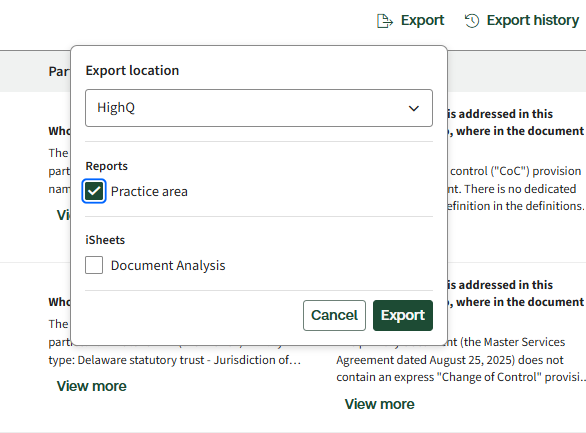
- Document-level analysis results: The report includes the answers to the questions you configured, for each document. The per-document risk, issues, and findings are captured within this same report, so the findings appear alongside the corresponding answers. Select the location where you want to save the report and clickExport. In this example, the report is exported to thePractice Areafolder.
- DD report: A summary of the key risks identified across each practice area, presented in a single report. To export the report, selectView Due Diligence Reportfrom the right end of the analysis report, then clickExport. The report is saved directly to the selected folder.
When you export the results, a dedicated folder is created in the Deal room's
Files
section. Storing the exported files in a separate folder keeps the analysis distinct from the source documents and makes it easier to locate all generated outputs in one place.