
Pagero Autogiro Pro- Reports
The program contains an advanced report generator for presenting the required information on paper. This can be useful for anyone carrying out some form of check or who just wants to save completed transactions or similar in a folder.
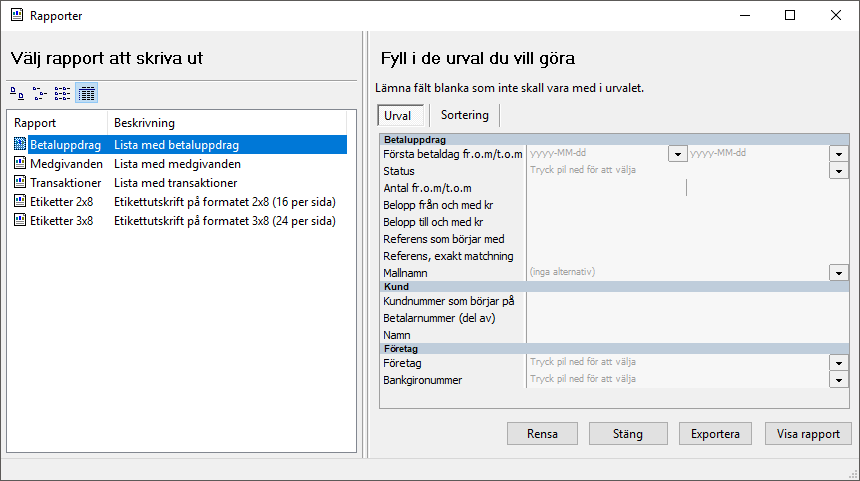
The procedure for creating a report in Pagero Autogiro Pro is as follows:
STEP | DESCRIPTION |
|---|---|
1 | Select Archive - Show reports . |
2 | Select the type of report you want to create. The available alternatives are:
|
3 | In the right-hand part of the window, make the selections on which the report is to be based, e.g. date and status. |
4 | Select Show report . |
If you need a more customer-specific report template, please contact Pagero.
Related Content
-
Pagero Autogiro Pro
Format: Article,
3 min read
Article,
3 min read