
Channel admin
Channel admin enables you to assign administrators for your channel.
note
Administrators have access to the
Details
, Content Metadata
and Edit Dashboard
tabs that are displayed during the create a channel process, and can change everything that is accessible in those tabs.During the channel creation process, after you start to create your channel and add details, select the relevant metadata and choose the channel permissions and click 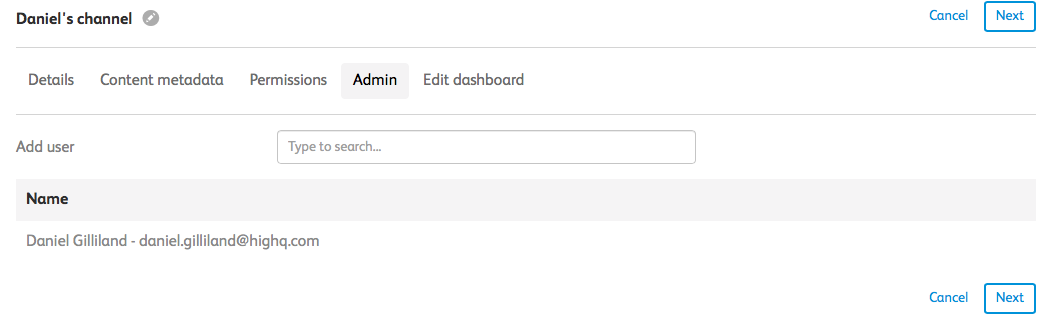
Next
. The Admin
tab opens. Here you can add new channel administrators.Click
Next
to display the Edit Dashboard tab that enables you to customise your dashboard.Related Content
-
Roles in Publisher
Format: Article,
3 min read
Article,
3 min read