We've added the ability to add a Smart Link with
Payroll
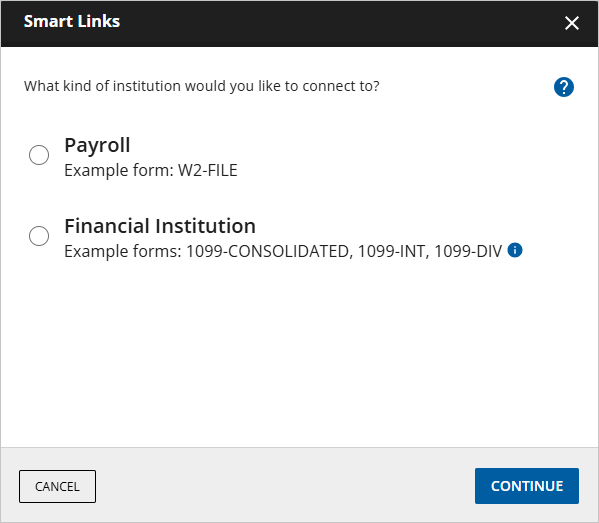
institutions! Users will see the option to select
Payroll
as the institution type that they'd like to add a Smart Link for. After they’ve selected
Payroll
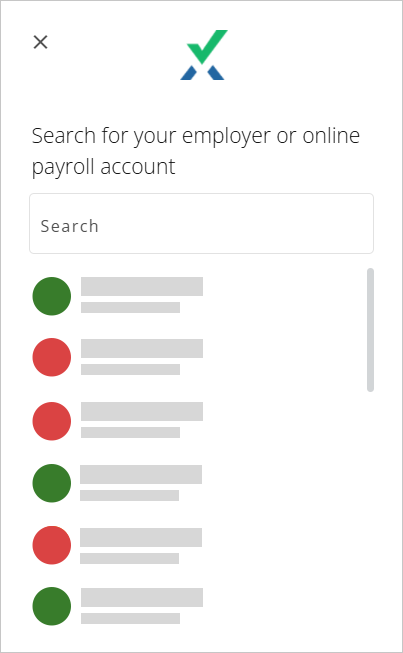
, users can search for the name of their employer from those available. From here, they will need to provide their
Employee ID
and
Password
, and Smart Links will take care of the rest! When available, your client’s applicable documents (for example, their W-2) will be uploaded to their TaxCaddy account!


 Article