

Triva isn't available right now.
Check out the support page for our phone number and hours

 icon from the SPbinder toolbar. Alternatively, select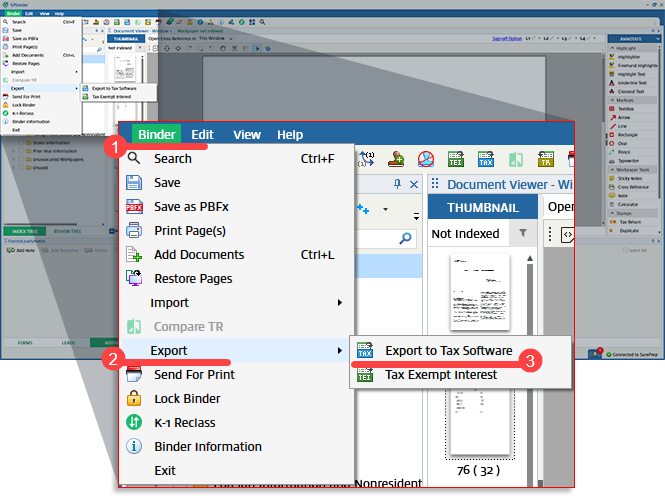
 on that binder. Select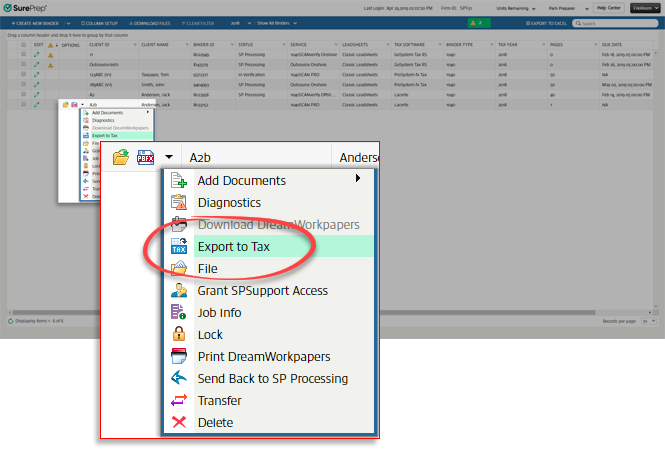
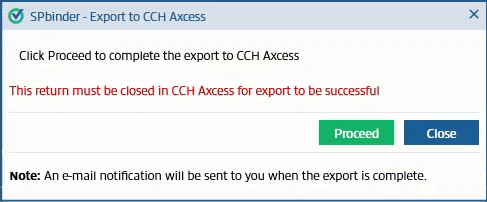
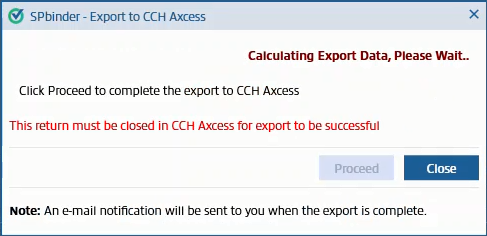
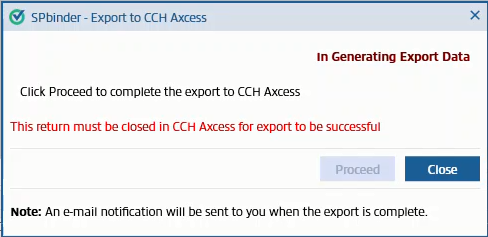
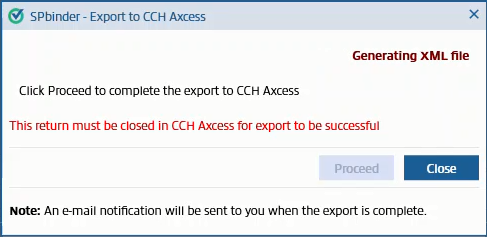
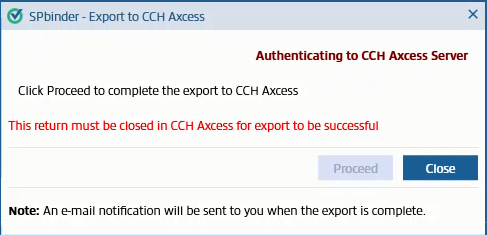
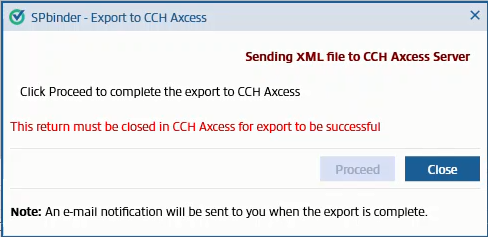
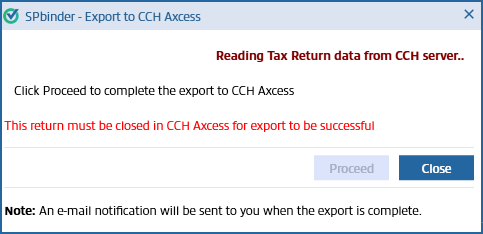
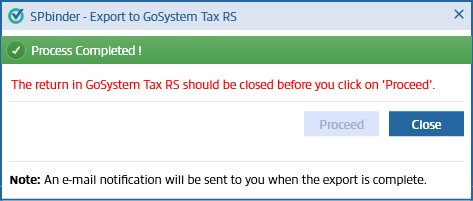
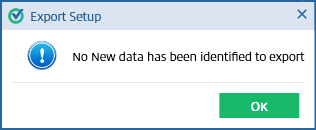
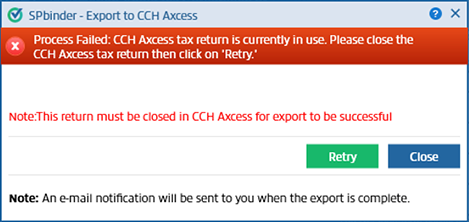
Error message | Description | Action Required |
|---|---|---|
Process Failed: CCH Axcess tax return currently in use. Please close the CCH Axcess tax return then click on Retry. | This issue appears if the tax return is currently open in CCH Axcess Tax. | Close CCH Axcess Tax, then select Retry |
Process Failed: Unable to export with your current sign in credentials. Please follow the directions in the help center link or contact your firm system admin. | This issue appears if your sign-in credentials have been changed. | Go to Admin , Account Setup , Tax File Activation , CCH Axcess , enter the correct CCH Axcess login credentials, then select Retry |
Process Failed: Incorrect SSN or EIN | If the Taxpayer SSN/Trust EIN is different from the Taxpayer SSN/Trust EIN existing in the CCH Axcess Tax return | Correct this information in CCH. |
Process Failed: Password was not provided for the password return | The tax return file is password-protected. This issue occurs after you have submitted the binder in FileRoom, and then password protection is added to the CCH Axcess tax return. | Remove the password from the tax return file in CCH Axcess Tax. |
Process Incomplete: SurePrep was unable to verify if the binder exported to CCH Axcess successfully. Please check CCH Axcess tax return to verify.
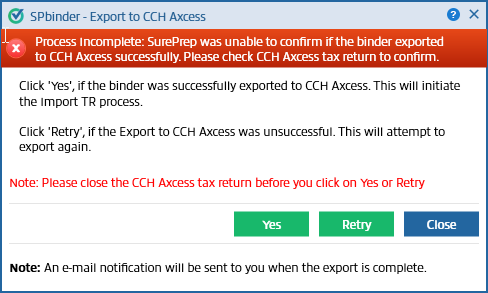 | The export failed without SurePrep receiving a confirmation. | To avoid exporting duplicate data, check if the data exported successfully to CCH Axcess Tax.
|
Process Failed: CCH Axcess tax return is locked. Please unlock the CCH Axcess tax return then select Retry. | The client's tax return is locked in CCH Axcess Tax. | Go into CCH Axcess Tax, unlock the client's tax return, then try again. |