
Creating and Configuring iSheets
Creating and configuring iSheets
Before your users can access or add records to an iSheet, there must be an iSheet to store this information. The iSheets module is usually active by default, but if it is not visible, check that the module is enabled and you have created an iSheet.
Enabling the iSheets Module
A system or site administrator can enable the iSheets module for a site.
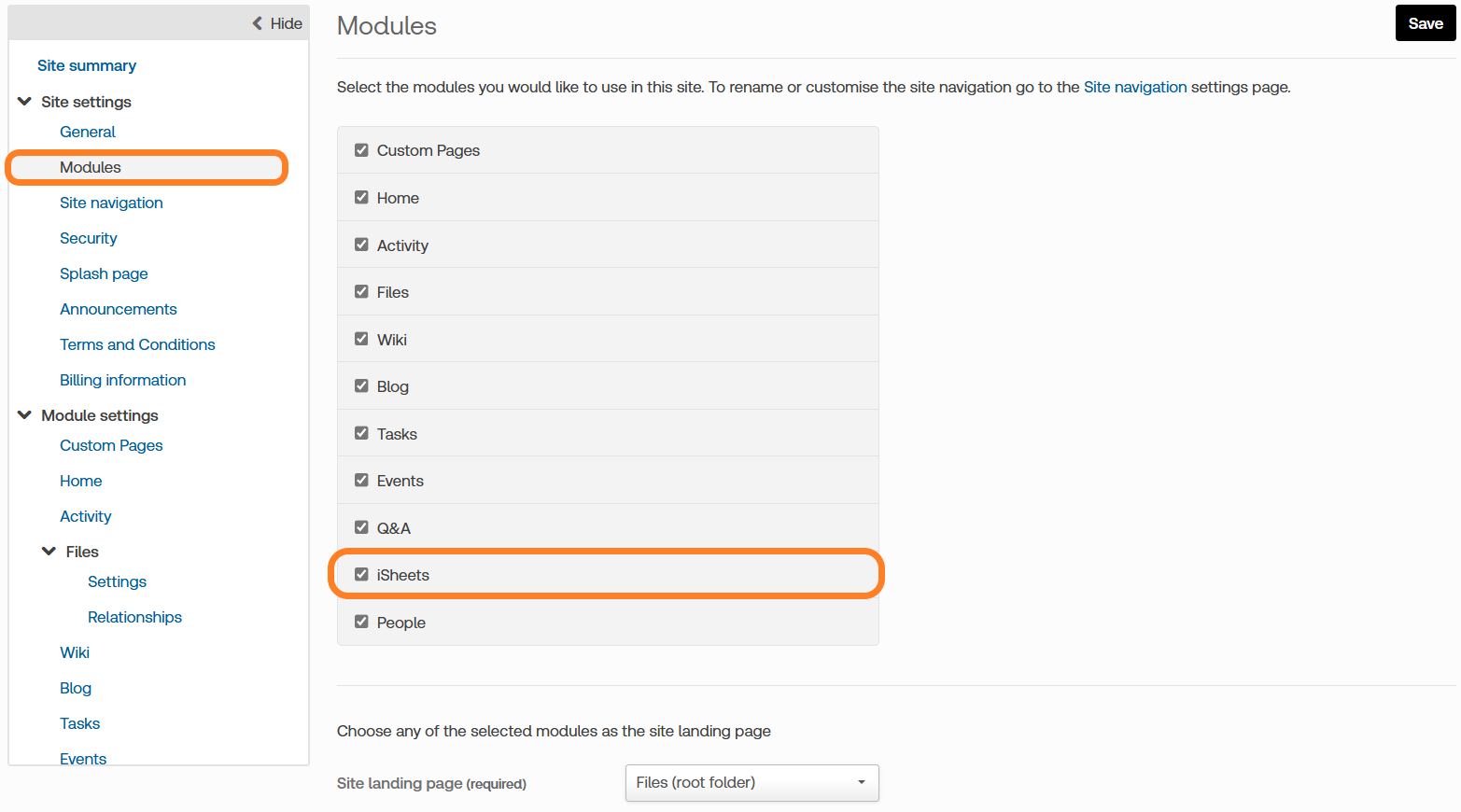
To enable the iSheets tab, go to the
Admin
tab, select the Modules
page, add a check to the box next to iSheets
and click Save
.
note
Even if enabled, the module is hidden until an iSheet is created; only administrators can create and modify iSheets.
An administrator can create and configure an iSheet from the
Admin
tab without enabling the iSheets module, but these iSheets are hidden until the iSheets module is enabled. Enabling and then disabling the iSheets module does not delete previously entered iSheet data; it just hides that information.
iSheet visibility
There are two conditions governing a user’s ability to see the iSheets module on a site if an Administrator has enabled the iSheets module:
- At least one iSheet.
- The end user must have access to one of those iSheets.
Once both conditions are satisfied, the iSheets tab is visible to the end user.
note
If the user has access to an iSheet but lacks access to any
views
of that iSheet, the iSheets tab is still visible, but the user sees a message: 'No views available'.Once the iSheets module has been enabled and made visible, the
iSheets
tab appears at the top of every page for that site.
Configuring iSheets
Once the iSheets module has been enabled, some settings can be applied to the entire module. Click
Active iSheets
in the Admin
tab. The iSheets page lists all of iSheets (if any) for that site:
note
See Configure the iSheets module for more information.