The check layouts are designed to match check styles that are available from
Forms CS.
You can make changes to all of the layouts using the Layout Designer.
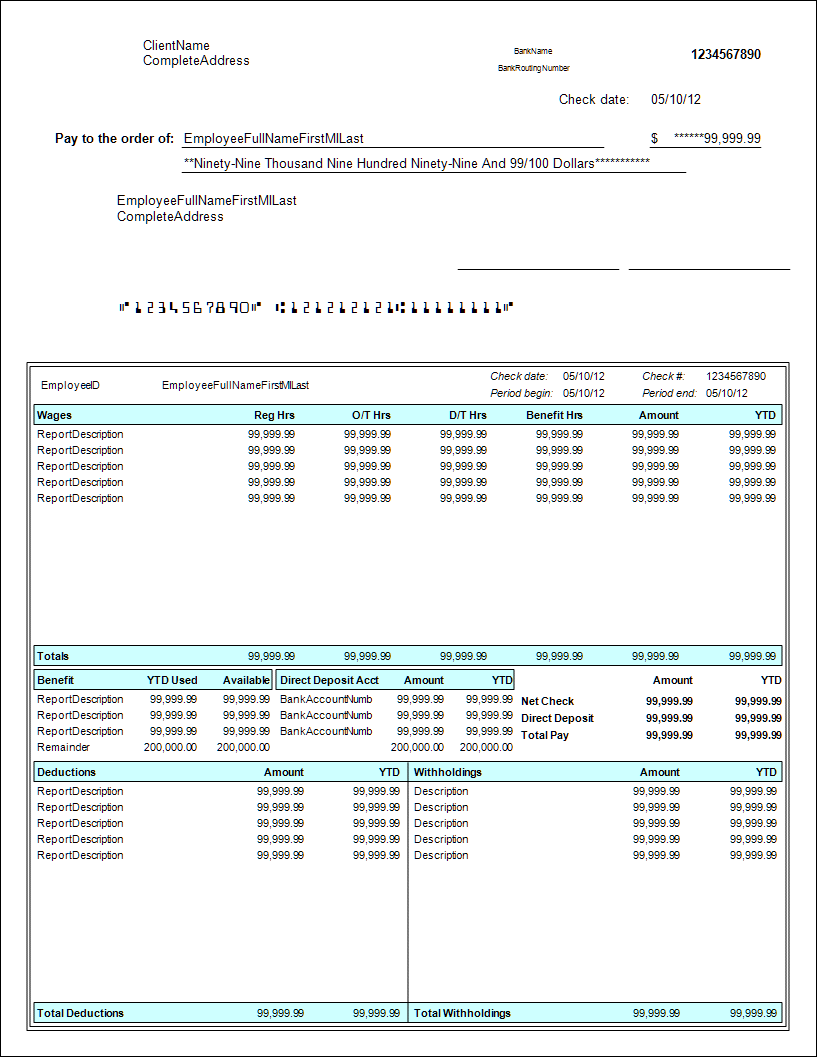
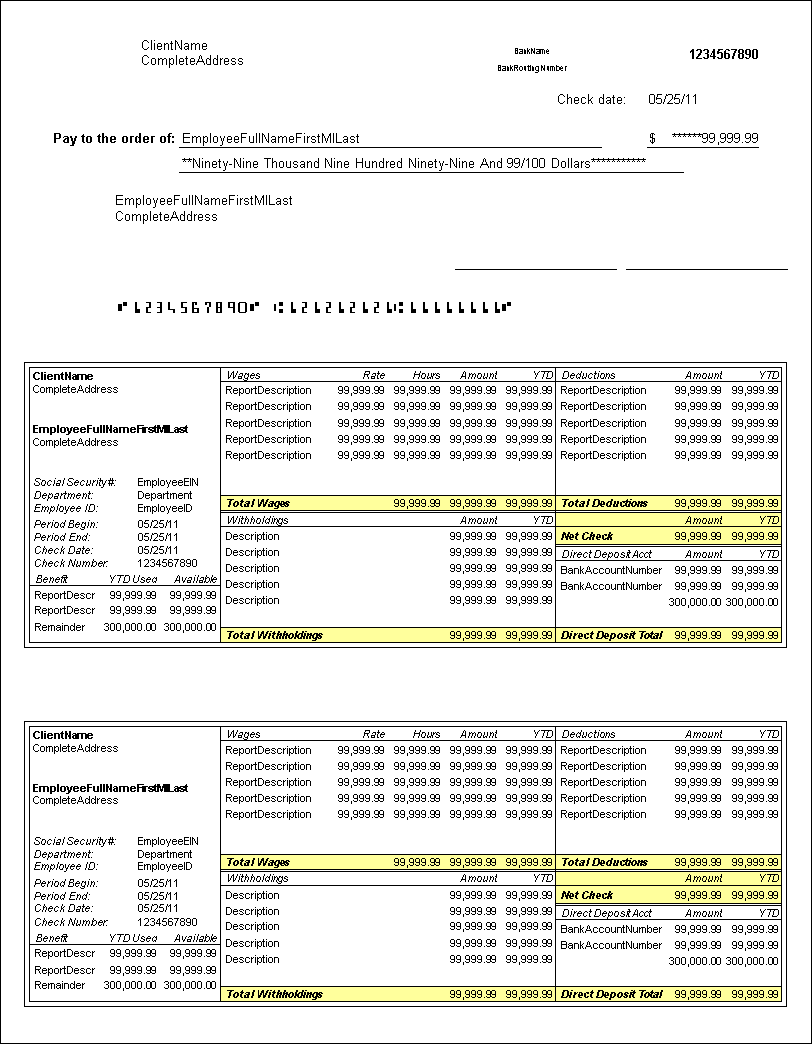
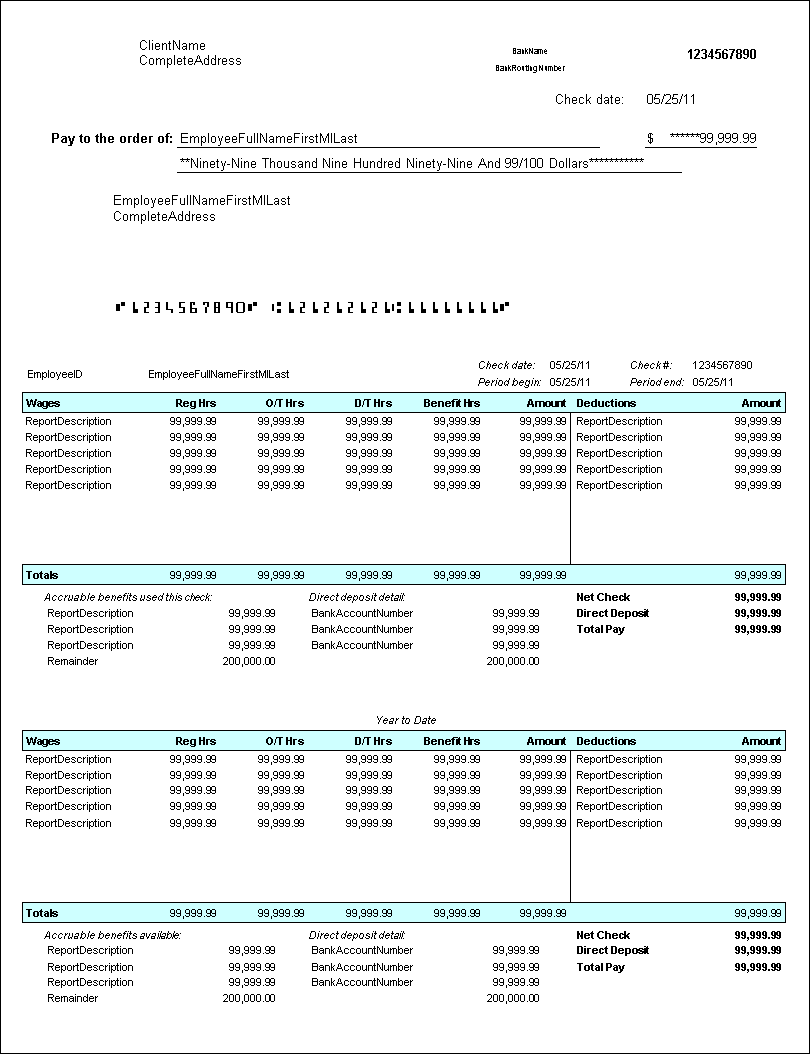
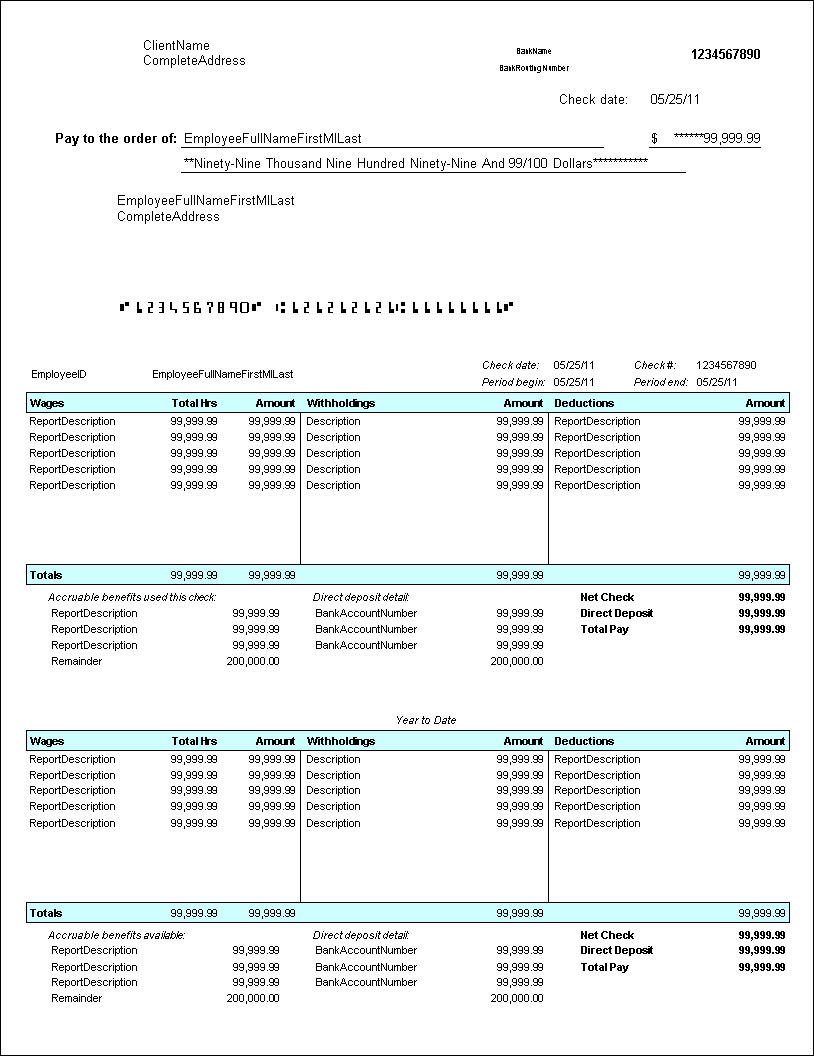
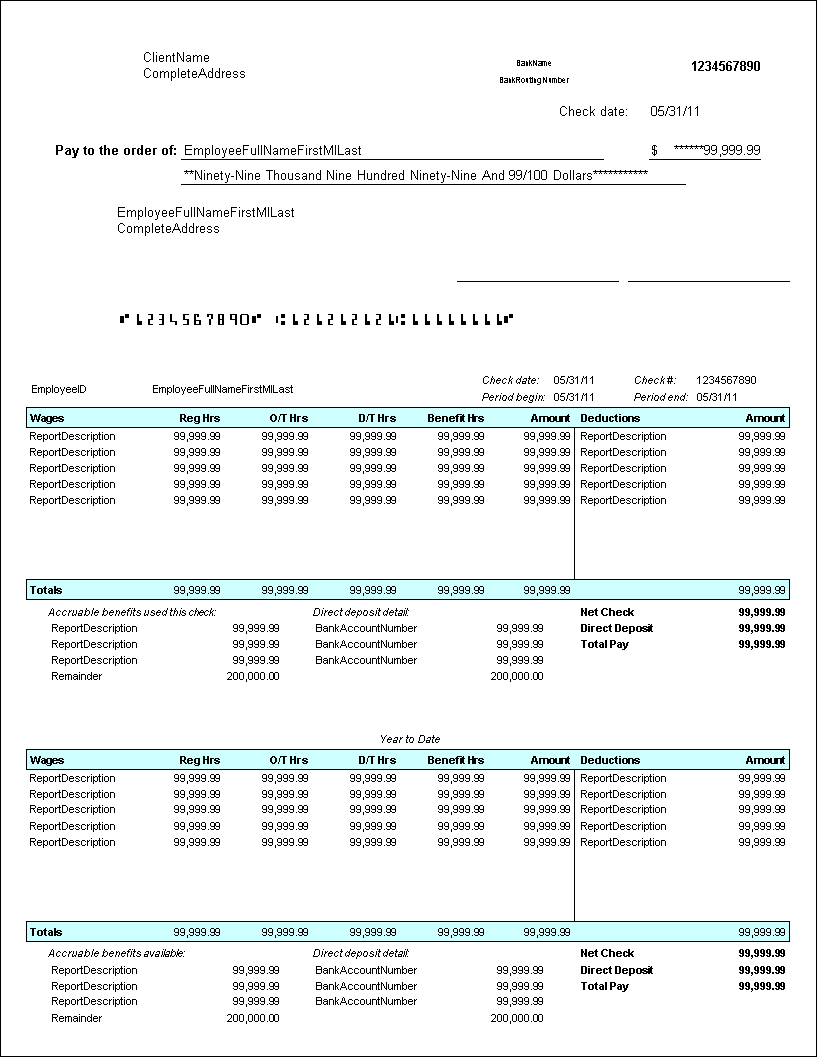
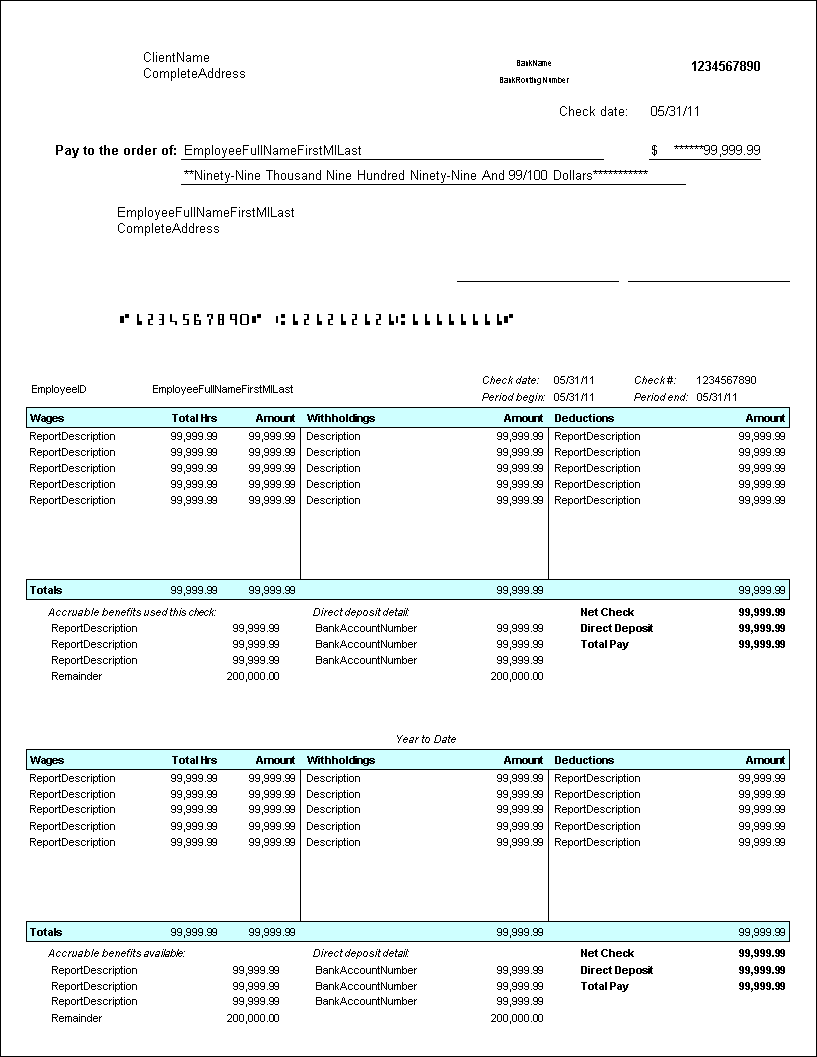
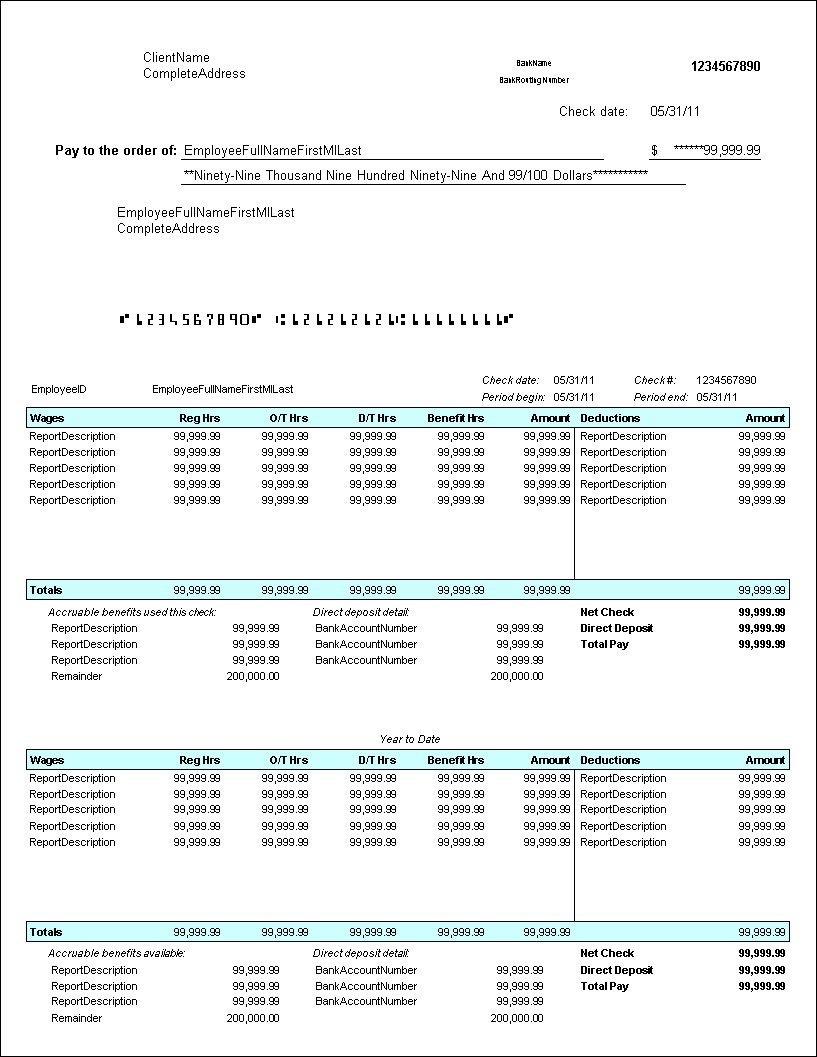
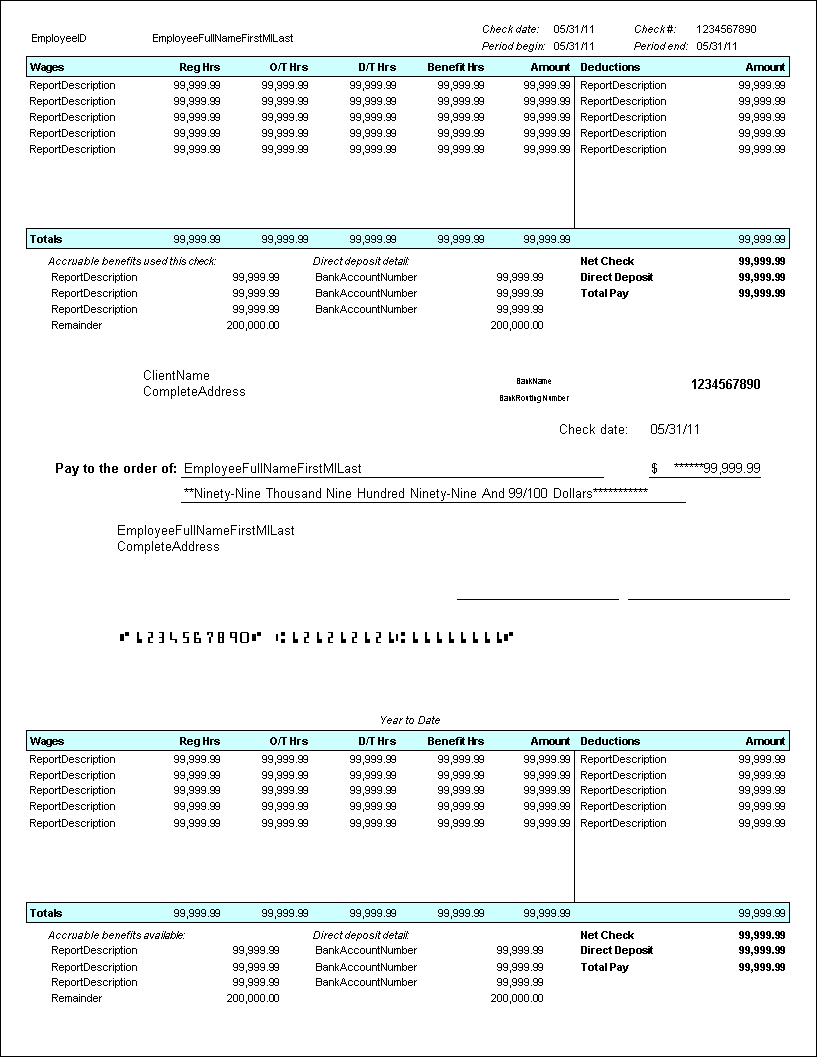
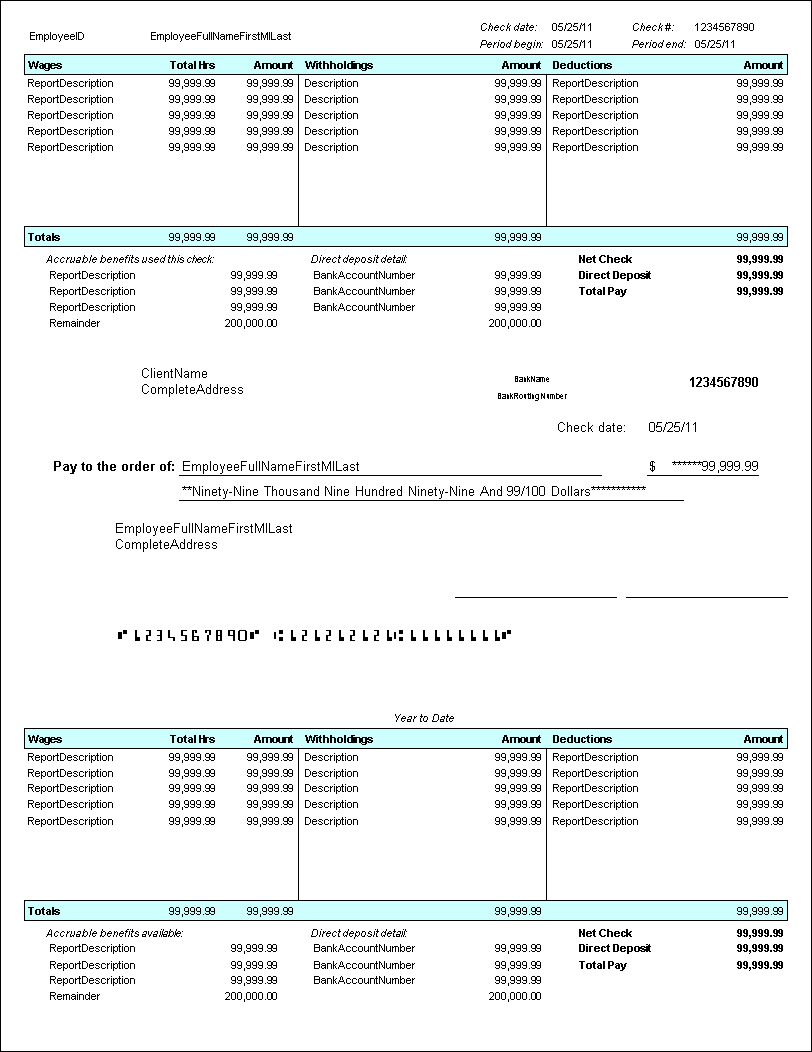
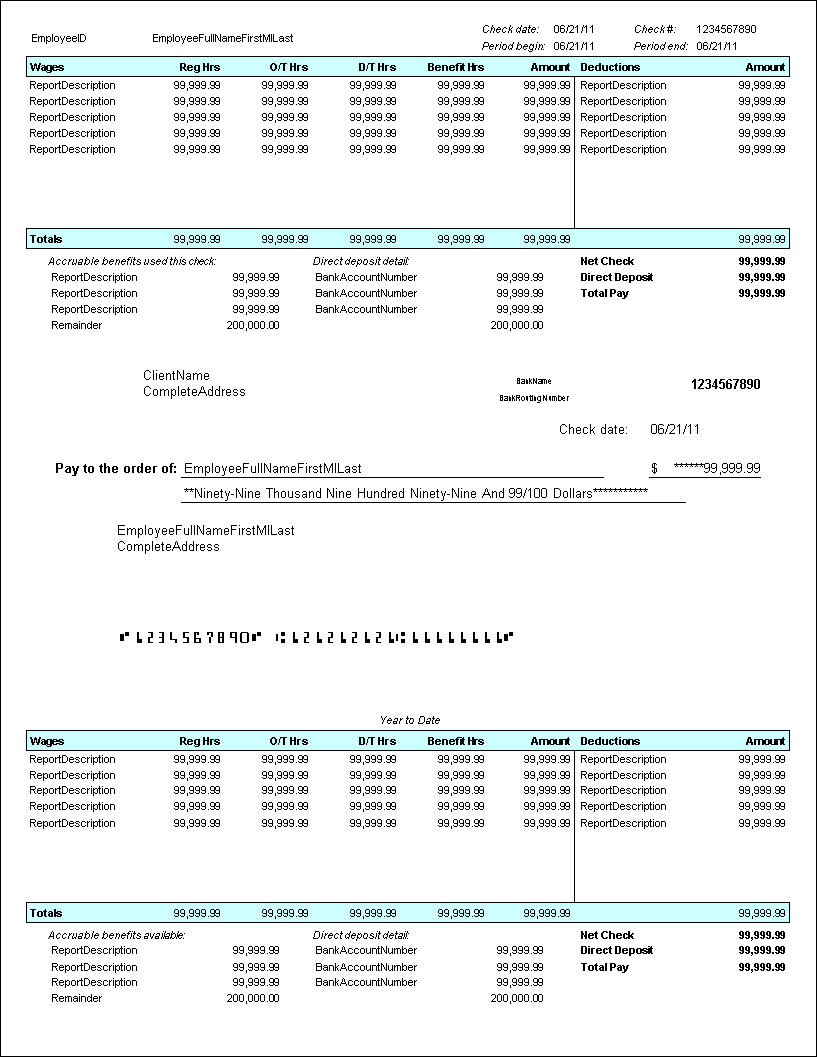
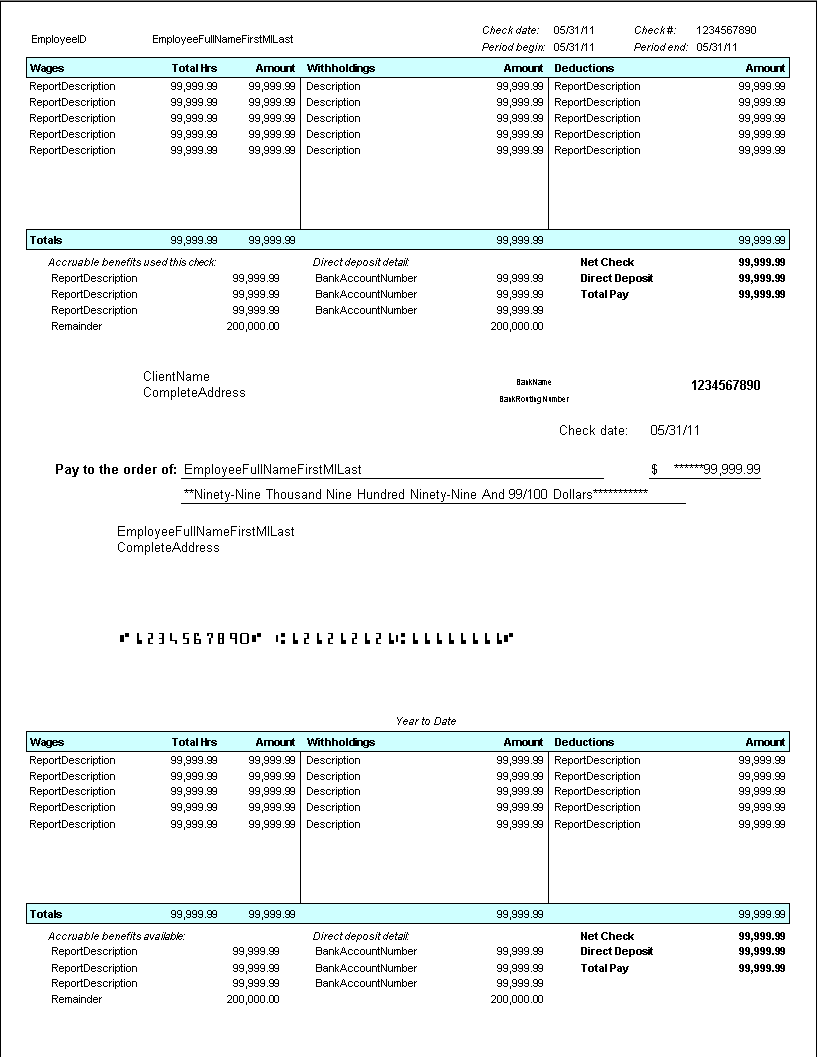
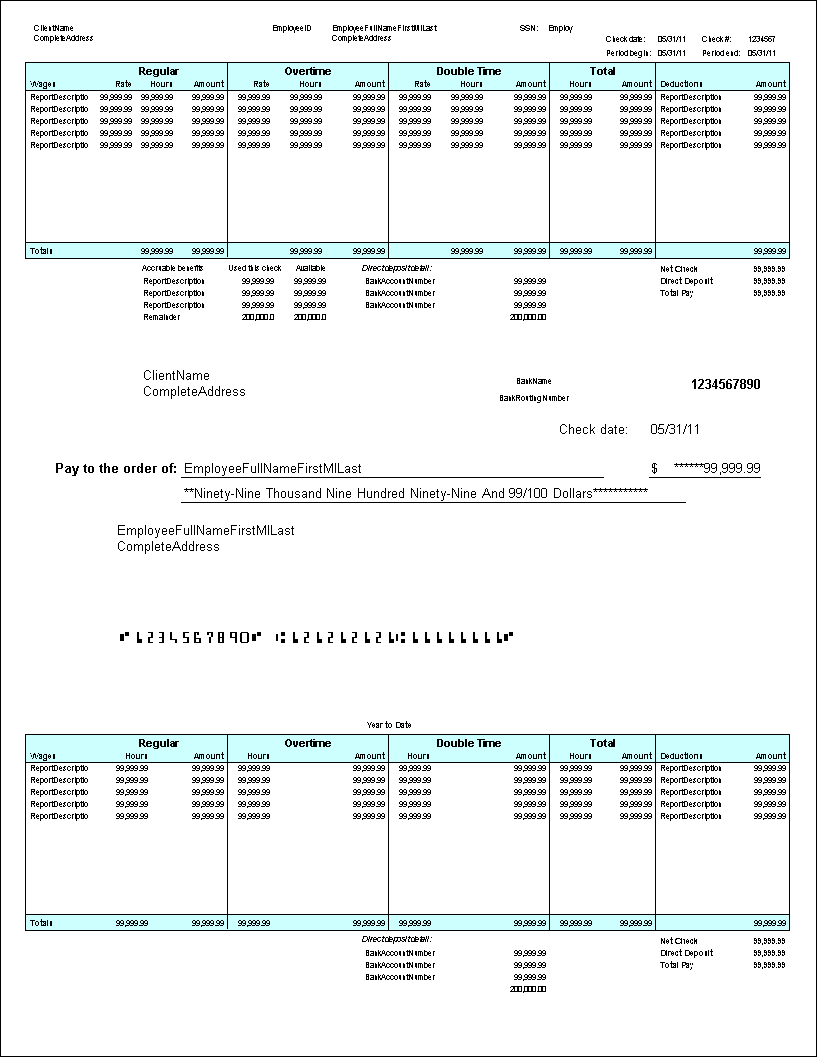
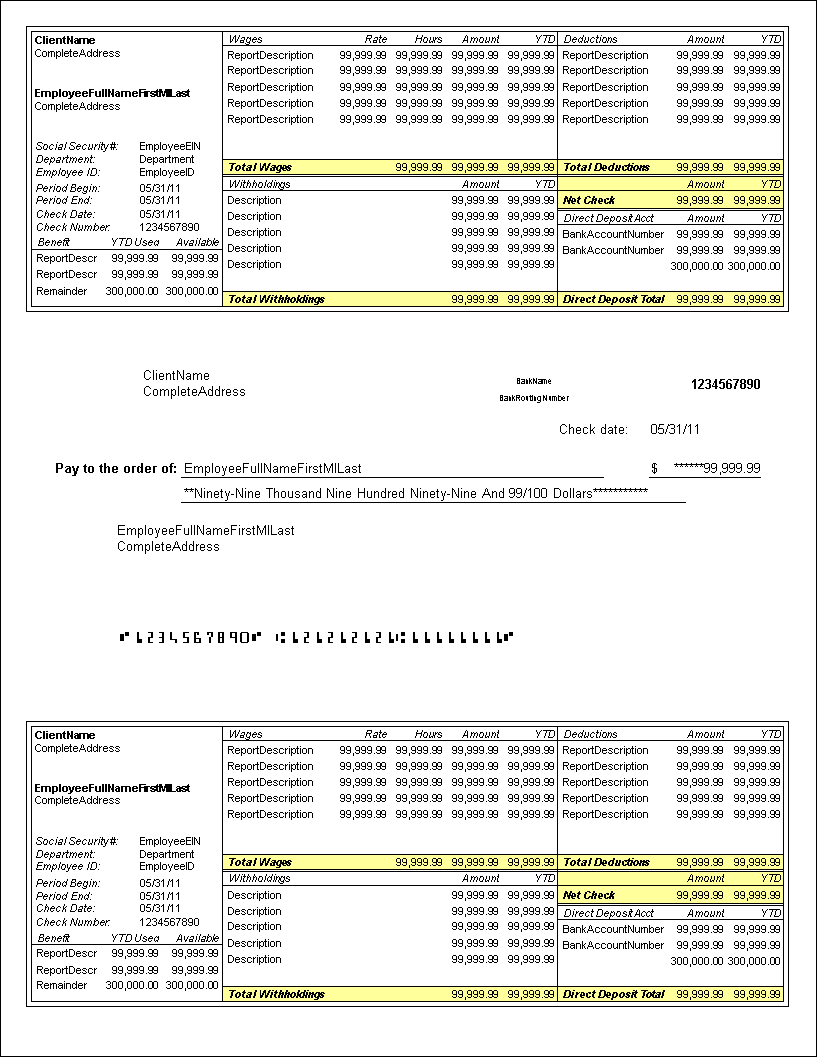
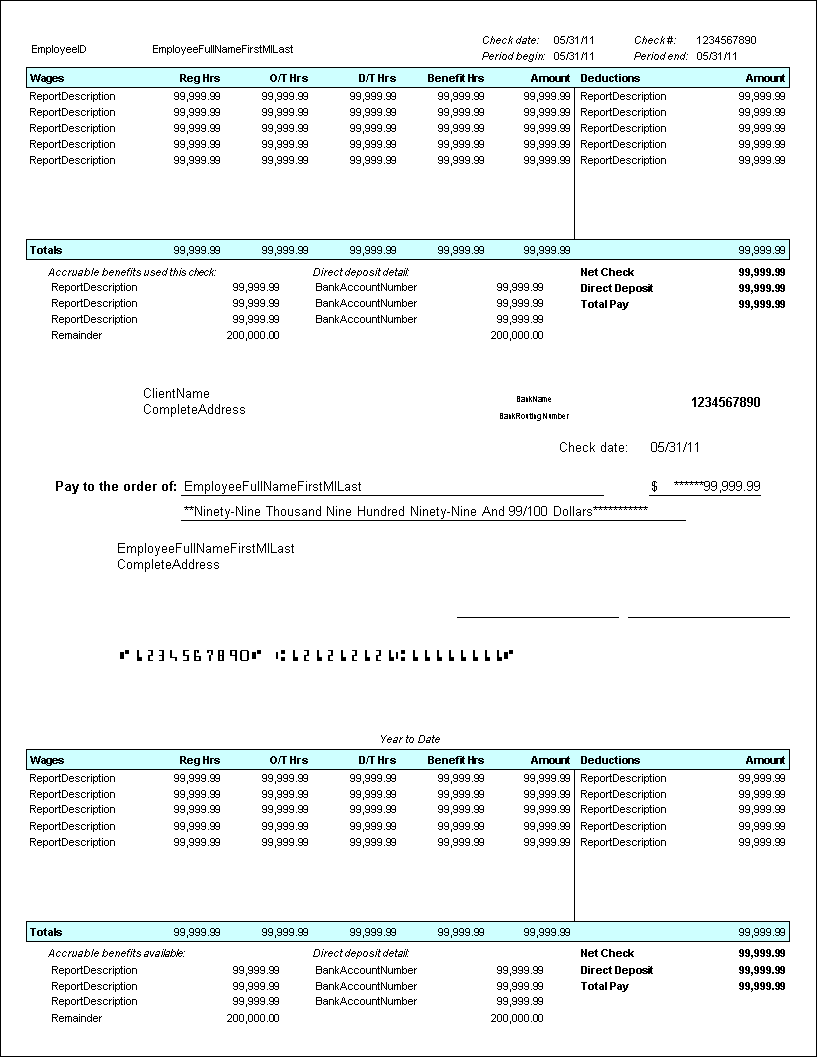
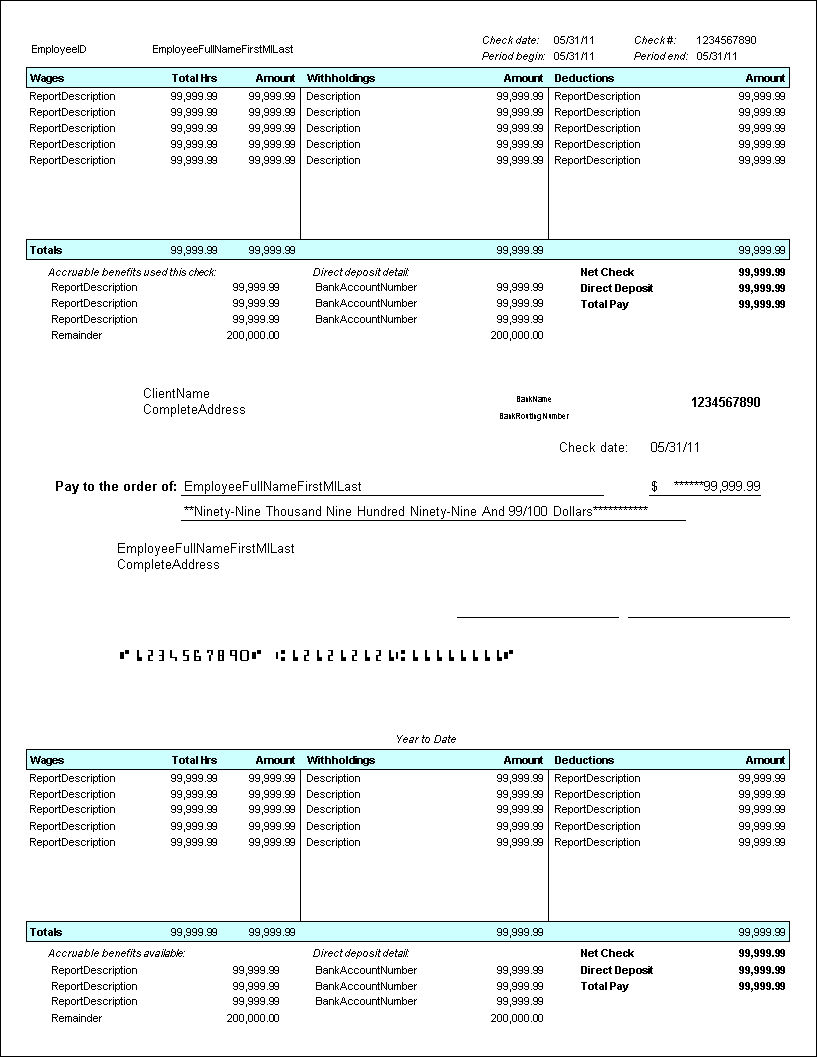
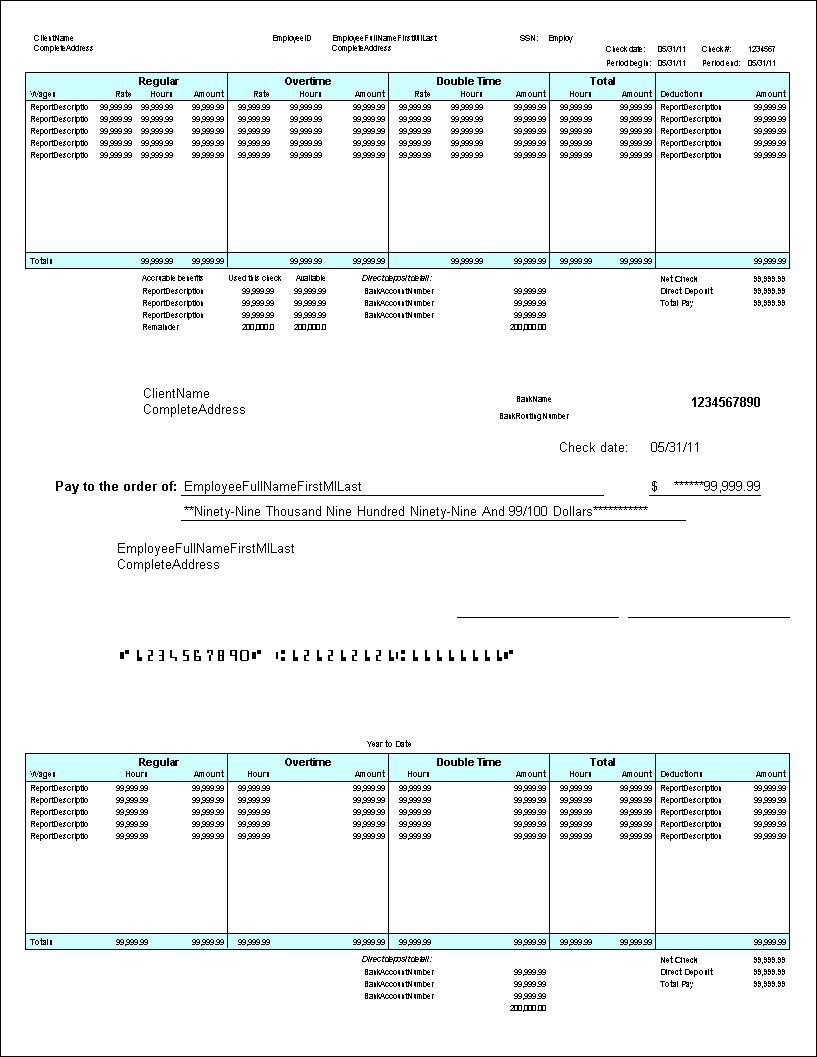
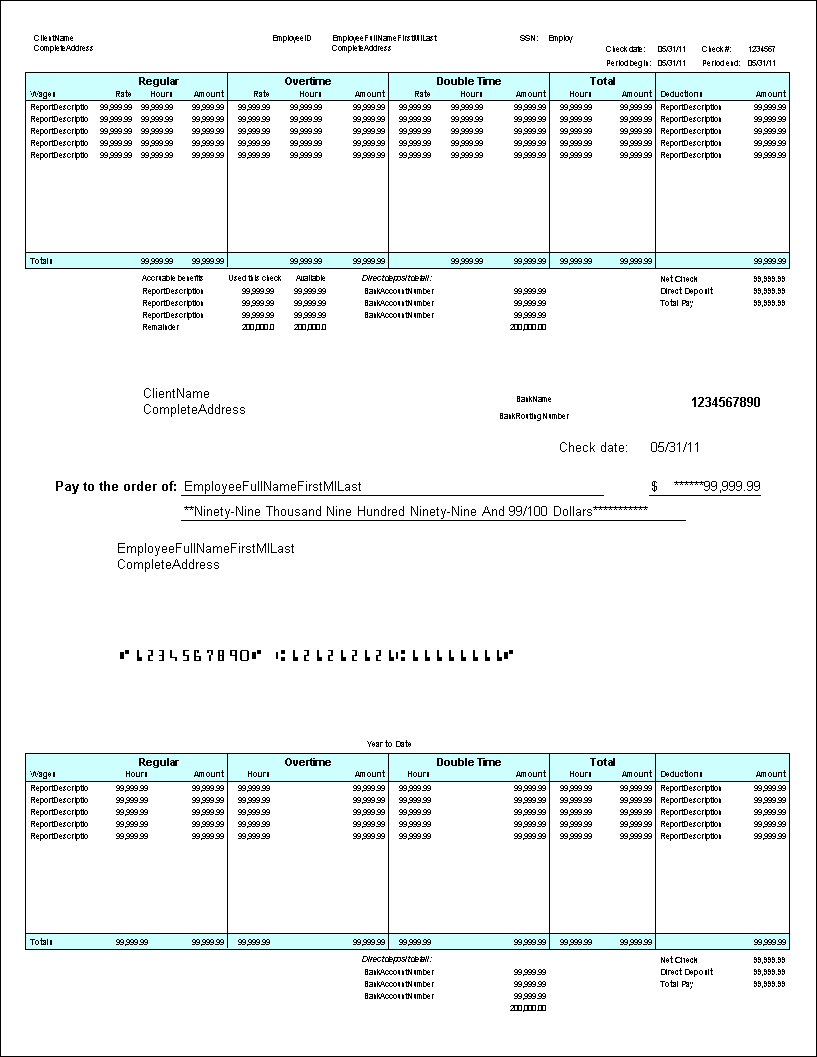
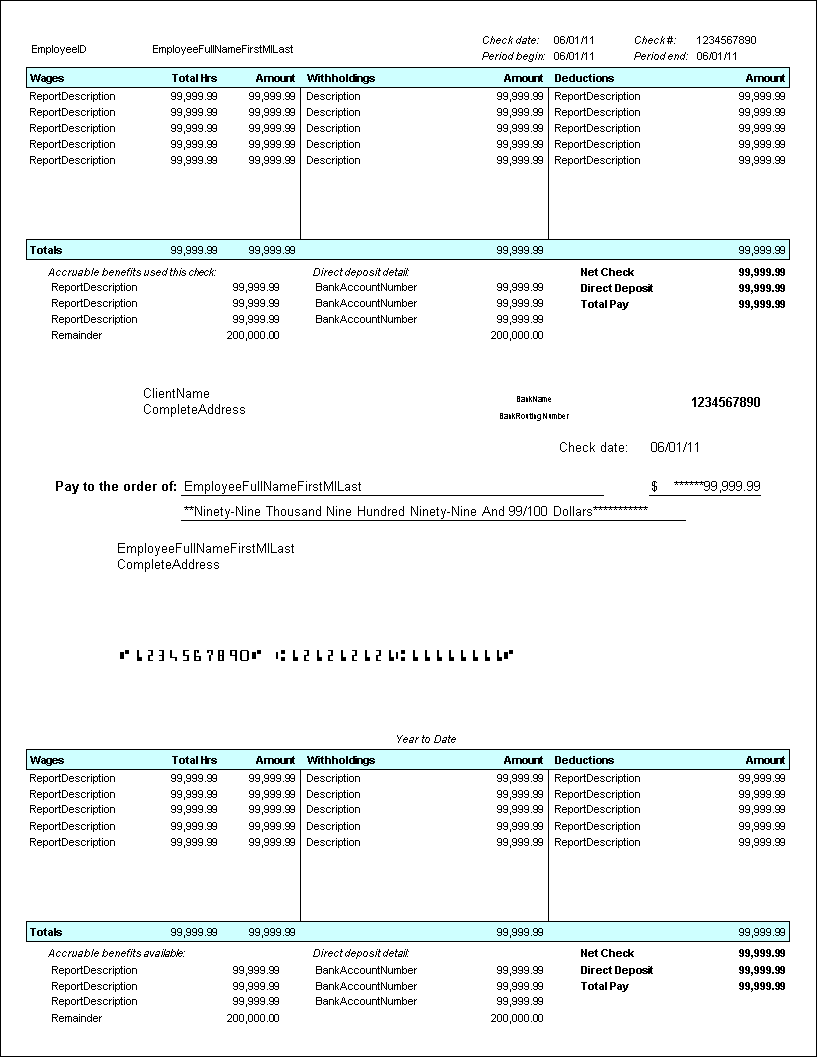
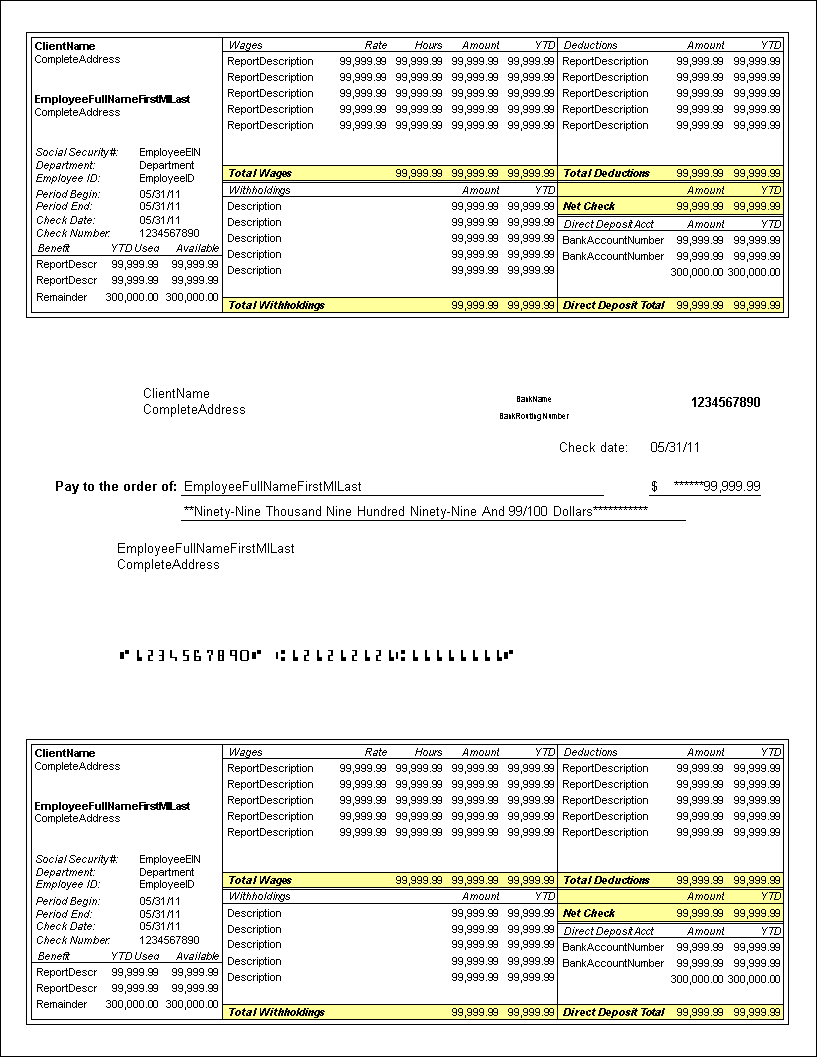
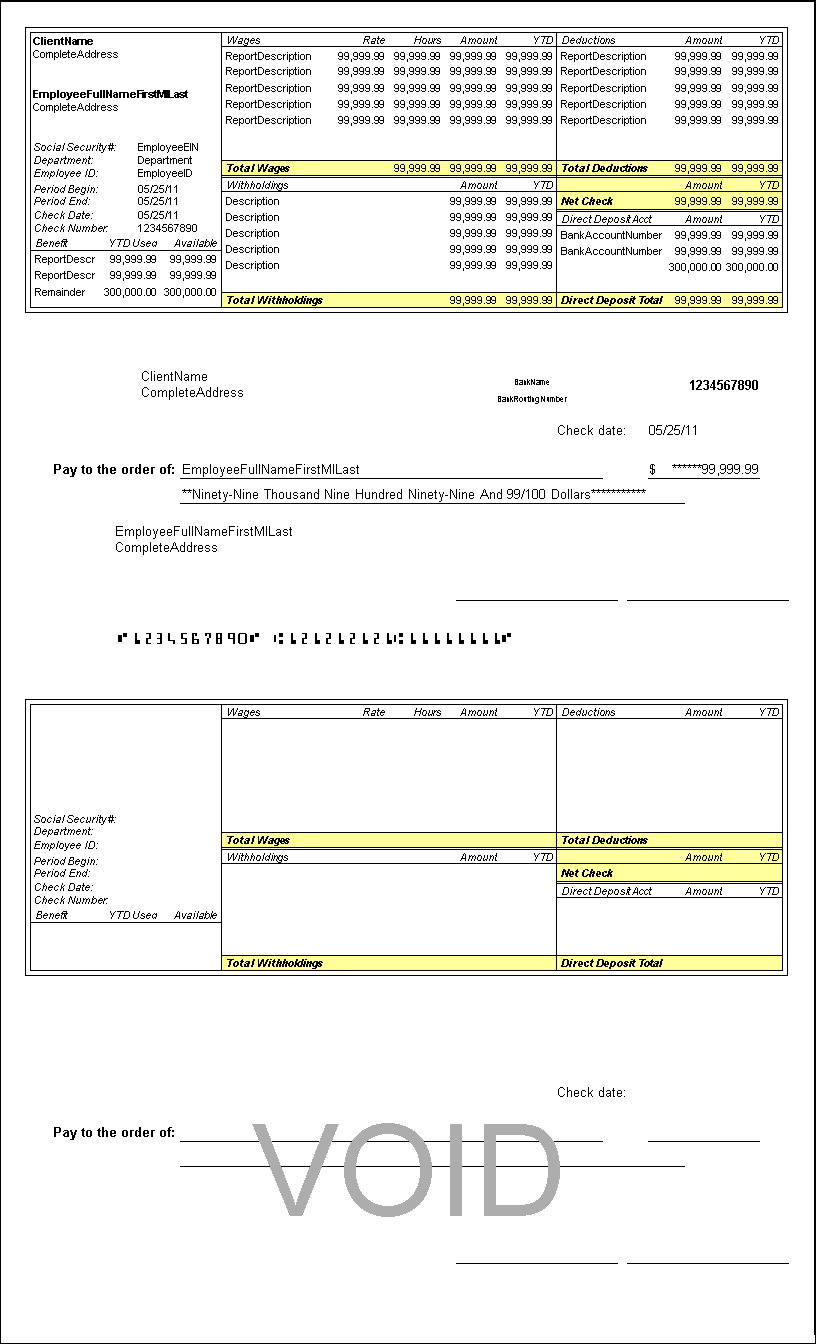
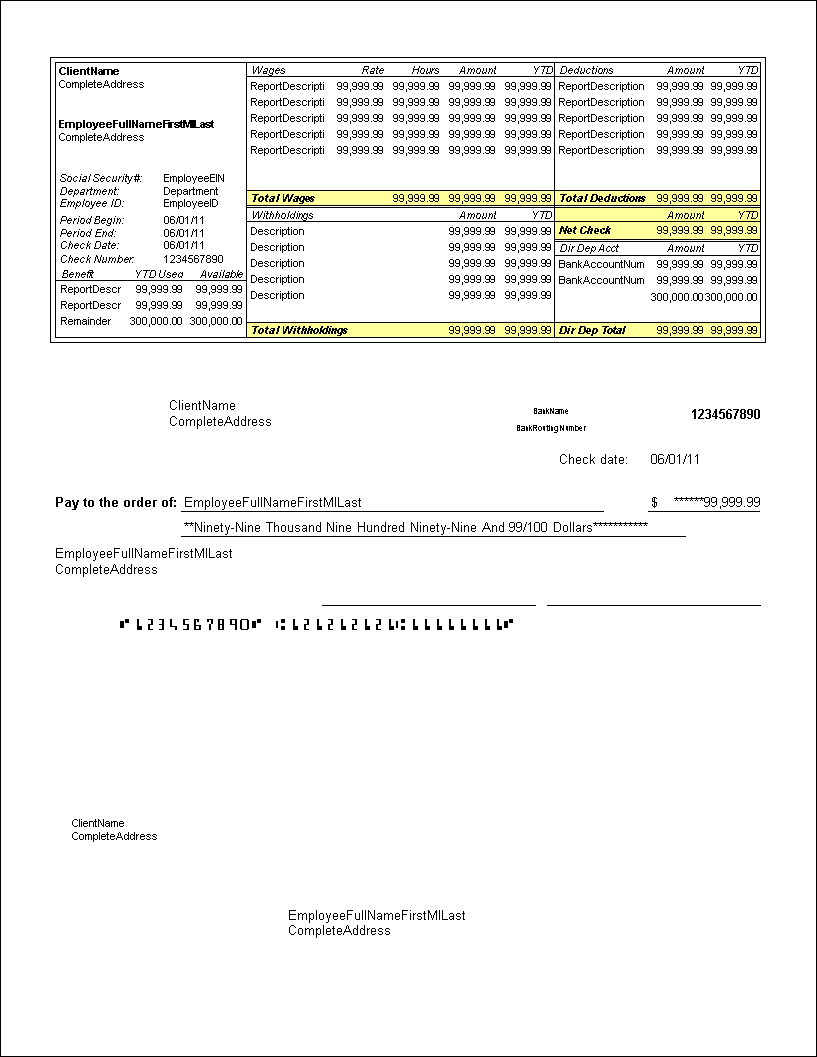
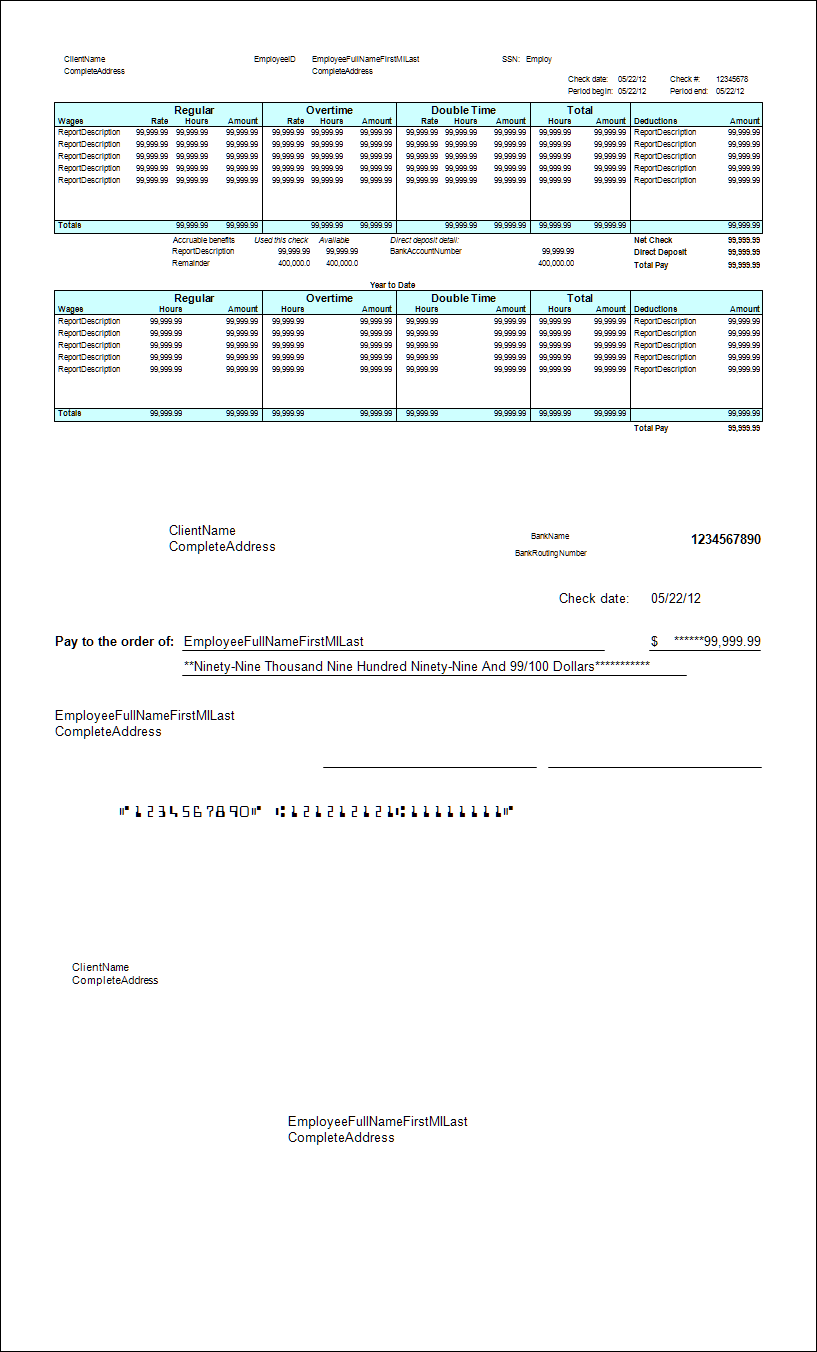
All check layout names indicate where the check falls in relation to the stubs.
Top Check
indicates that the check prints first and the stubs follow.
Middle Check
indicates a stub-check-stub configuration.
Two-column layouts generally display deduction and withholding information together. Three-column layouts generally display deduction and withholding information separately.
All check layouts other than 403L, 404L, 664L, 800L, and 811L include the MICR line variable. This lets you print MICR information on the check stock. You will need to use MICR toner in your printer so that your bank can read the MICR information.
All payroll check layouts include variables for direct deposit information. For clients who don't process using direct deposit, you can easily remove the direct deposit information variables from the layout.
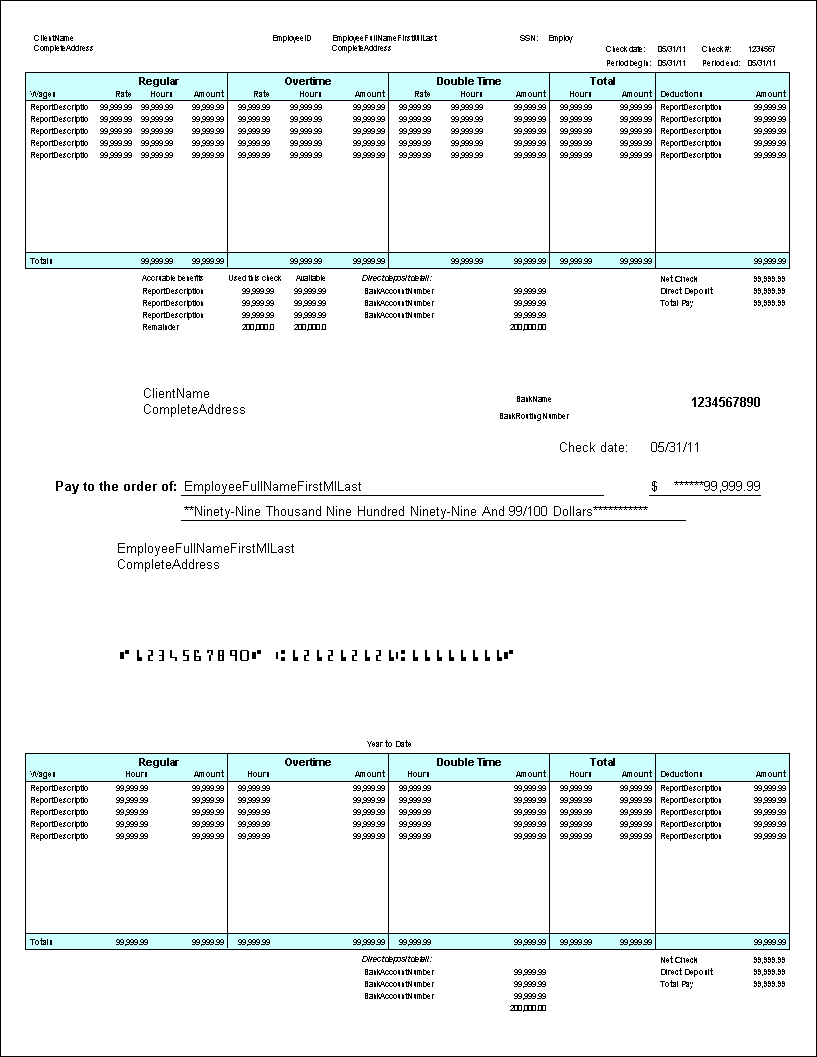
All payroll check layouts contain both current and YTD information. Layouts that use duplicate stubs contain both the current and YTD information on both stubs. All other layouts present Current information on the top stub and YTD information on the bottom stub, and have more room for detail.








 Article,
1 min read
Article,
1 min read