
Show/Hide Math Tables
A border displays around the rows of any formula that permits the insertion or deletion of rows.
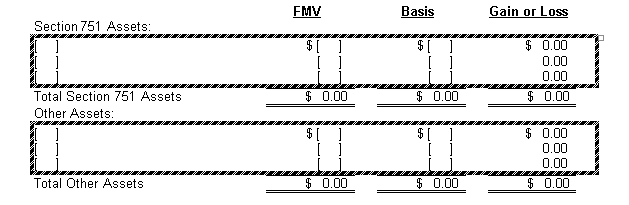
You can show or hide the borders by right-clicking in the document and selecting either Show Adjustable Math Tables or Hide Adjustable Math Tables from the shortcut menu.
Alternative: From the ribbon menu, select the PPC tab. Then select Hide Math Tables or Show Math Tables from the Checkpoint Math section in the top right of the screen.
note
When you print a worksheet containing formulas, the borders will appear in the printed version only if the document is in Show Math Tables mode. To print the worksheet without formula borders, make sure you select Hide Math Tools before you select the Print option.