
User installation
Install the CoCounsel add-in for Outlook desktop or online to bring AI-powered legal assistance directly into your inbox.
If the add-in is not installed through centralized deployment, your Admin must first turn this option on before you can install it directly from the Add-ins Store.
For Outlook desktop:
- Open the Outlook application.
- Go to theInserttab on the ribbon.
- SelectGet Add-insorStore. This opens the Office Add-ins window.
- Search the list of available add-ins or use the search field to find the CoCounsel for Microsoft Outlook add-in.
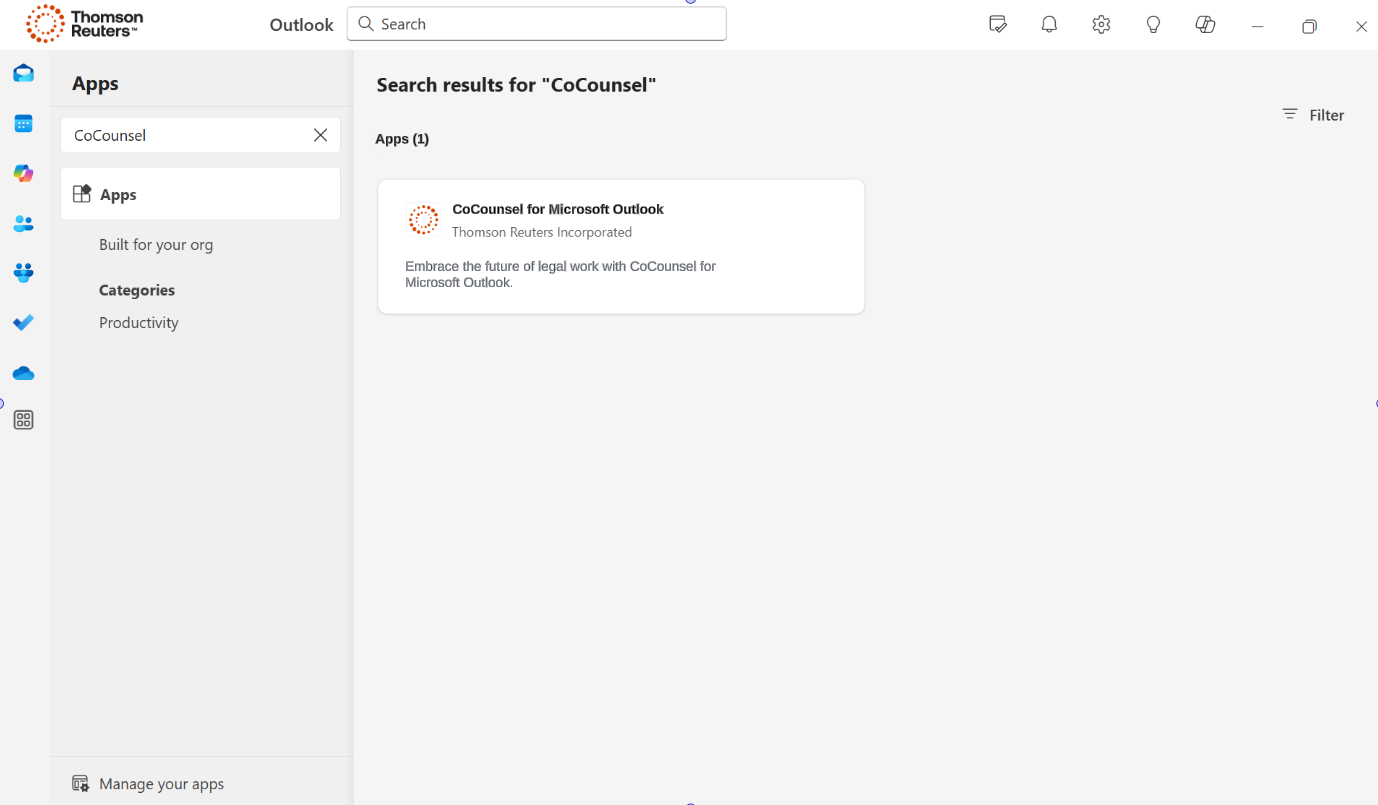
- Once you find the add-in, select it for more details.
- SelectAdd,Get, orInstallto add the add-in to your application.
For Outlook online:
- Open the Outlook Web App.
- Look for theNew messageorReplywindow in Outlook Web App.
- SelectGet Add-ins,Office Add-ins, or a similar option.
- Search the list of available add-ins or use the search field to find the CoCounsel for Microsoft Outlook add-in.
- Select the add-in to add it to your online Office application.
note
In some organizations, IT policies may restrict the ability to download or install add-ins. If you can't install an add-in, you might need to contact your IT administrator.
View the How to install CoCounsel in Outlook video for installation guidance.

