Add and save a favorite prompt
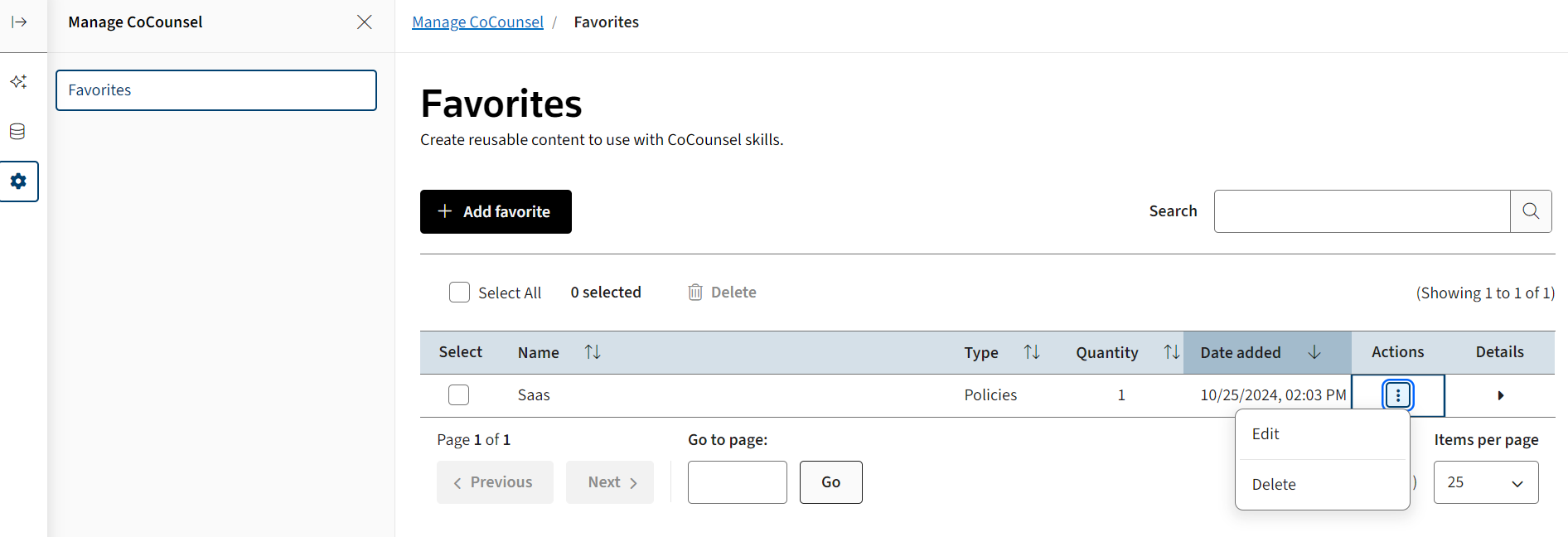
Favorites is a tab for you to add, review, edit, and delete your saved prompts in CoCounsel.
CoCounsel defines favorites as prompts you can add and then save.
To add and save a favorite prompt:
- SelectMore, thenFavoritesfrom the sidebar.

- You can add, review, edit, and delete your previously used and saved prompts on a consolidated list. SelectAdd Favoritesto save more prompts.
- Select the3-dotted iconin theActionscolumn and then either selectEditorDelete.