Set up Clients and Projects
Create client records, access dedicated workspaces, and initiate tax projects.
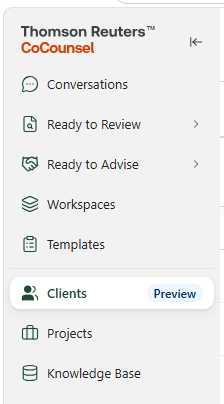
- Go to theClientstab and selectNew client.

- Enter the client details and selectSubmit.
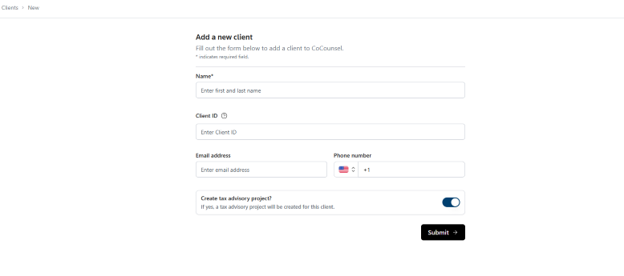 importantReady to Advise: If you are licensed for Ready to Advise, you have the option toCreate a tax advisory project. Keep thisOFFif you are creating a client for tax return preparation only.
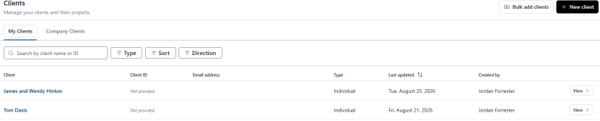
 - Once a client is created, open the dedicated client workspace by selecting the client name orView.
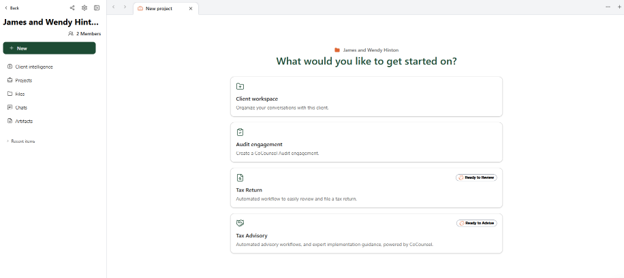
- Within the Client experience, select theCreate a Projectbutton to create a new project within the client.
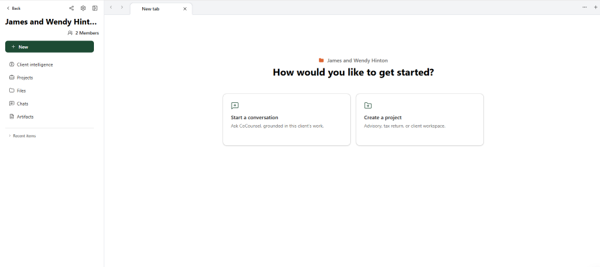
- Depending on your entitlements, you will have access to different project types.
- Client Workspace: Organize your client-specific conversations and files within this project. This grounds CoCounsel's context to the project.
- If you have access to Ready to Review or Ready to Advise, You will find the following project types: Tax Return and Tax Advisory.