Use Conversations for research and analysis
The Conversations feature helps you perform detailed research and analysis by giving you access to these essential data sources:
- Authoritative Guidance: Thomson Reuters' Checkpoint Edge Content provides you with the most reliable, up-to-date accounting standards.
- Company Documents: Access documents your firm uploads to the Knowledge Base during any conversation.
- Personal Documents: Upload your own documents to your personal library in the Knowledge Base for conversations and research tasks.
Get started
When you first access CoCounsel, you'll find a
Conversation
window with suggested questions that show how the tool can help with common tasks.For a more structured approach, try
Conversation Templates
to standardize your prompts and ask consistent, targeted questions. Visit this page to learn more about Conversation Templates.Use the @ symbol to access your documents and data
Use the @ symbol to access your documents and data
The @ symbol lets you directly point Conversations to specific documents or data sources while asking questions. Press "@" in the conversation window to reference:
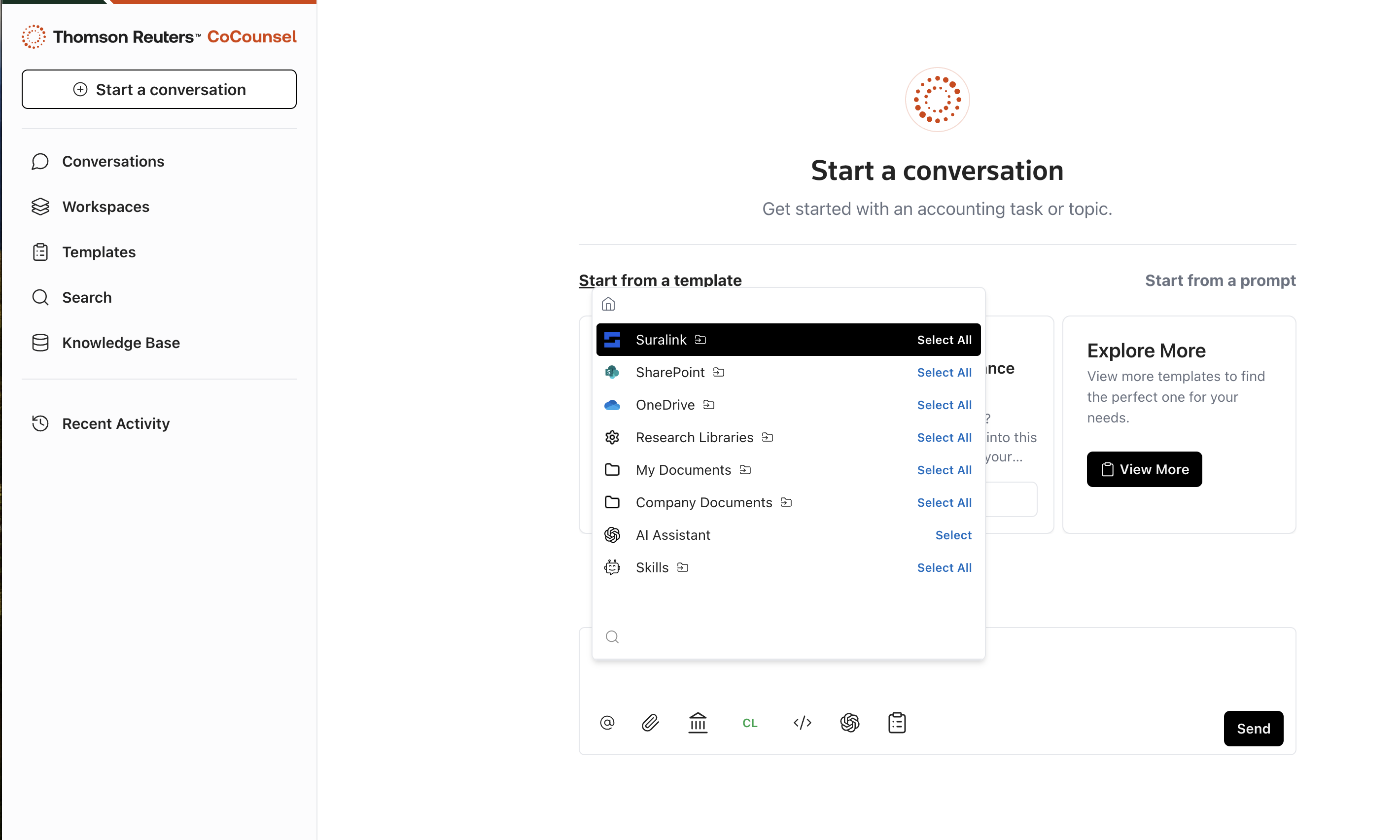
- Authoritative accounting guidance from CoCounsel (Thomson Reuters Checkpoint + SEC + IRC).
- Company documents from your firm's Knowledge Base.
- Personal documents from your personal library within the Knowledge Base.
note
The SEC Filings source is temporarily unavailable due to a licensing change. To analyze SEC content, upload filings directly or access them through SEC.gov.
This feature gives you the flexibility to pull from relevant sources as needed. For example, when researching a contract, select the contract document with @ to focus Conversations on that specific file. You can also reference multiple documents simultaneously for more comprehensive insights.
Verify sources with Citation Viewer
The Citation Viewer lets you verify sources used in responses. Select any citation within a Conversation to open the viewer. Here you can:
- Search within the document for specific terms or sections
- Zoom in and out for better readability
- Download the cited documents for offline access
- Print referenced documents
- Expand documents for a clearer view
- Retrieve metadata about the source
This feature ensures that every response comes from reliable, accessible sources, and helps you make well-informed decisions.
Explore topics further with suggested follow-up questions
After you receive a response, Conversations suggests follow-up questions to help you explore topics deeper or clarify points, ensuring you extract maximum value from each interaction.
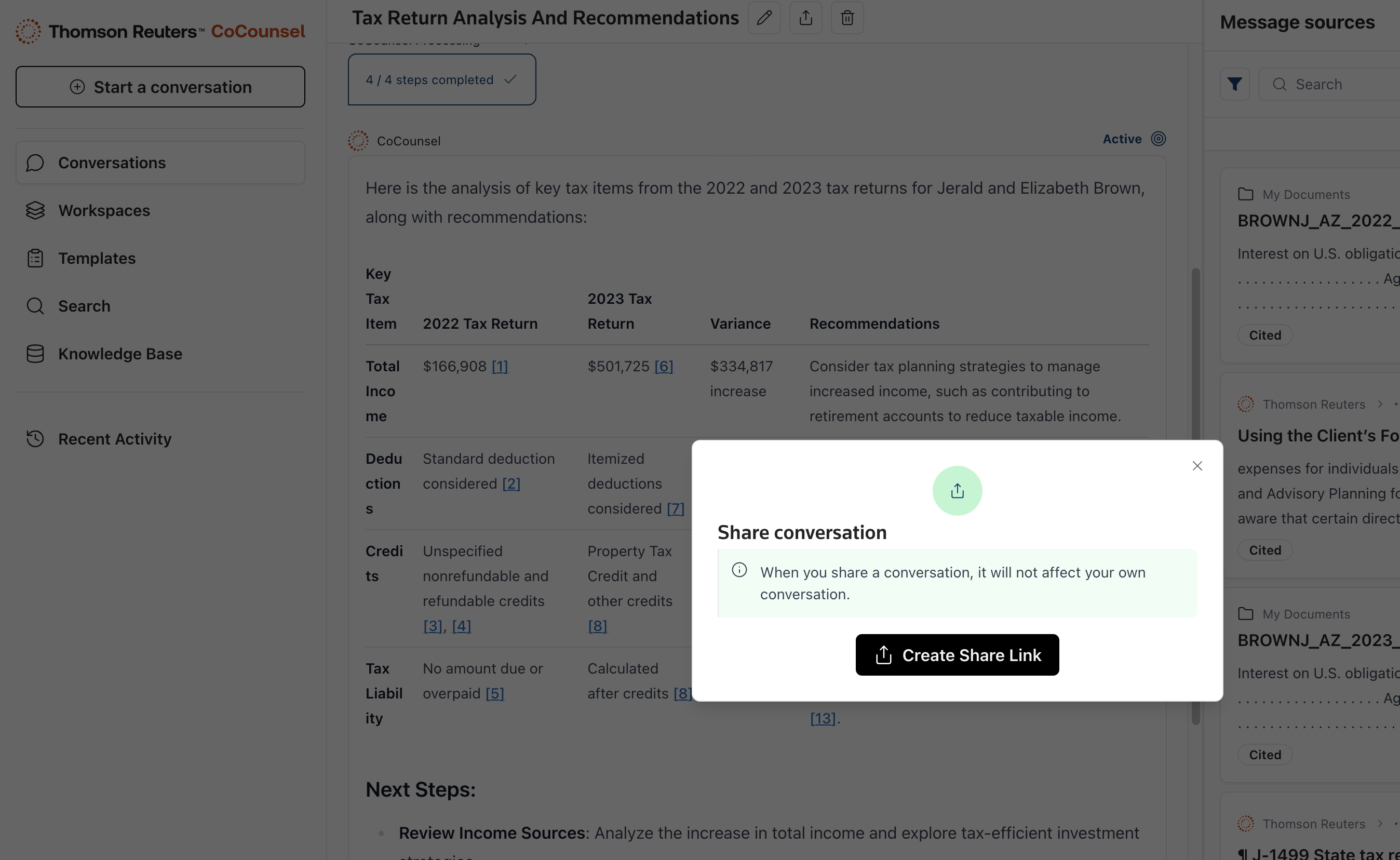
Share conversations with your colleagues
Share conversations with your colleagues using the share button at the beginning of every conversation. Conversations remain accessible only to people in your organization who are signed in to CoCounsel. Note that if you share a Conversation that includes a document from your personal collection, the other user won’t be able to access your private document.
Edit conversation title
Select the
Edit title
button to rename a conversation. You can edit to include the client's name or any other descriptors.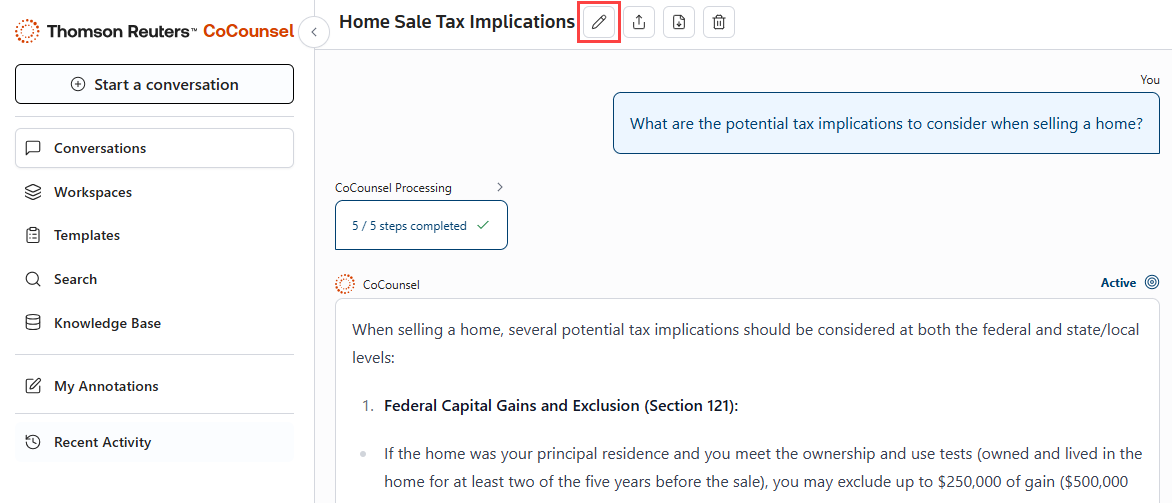
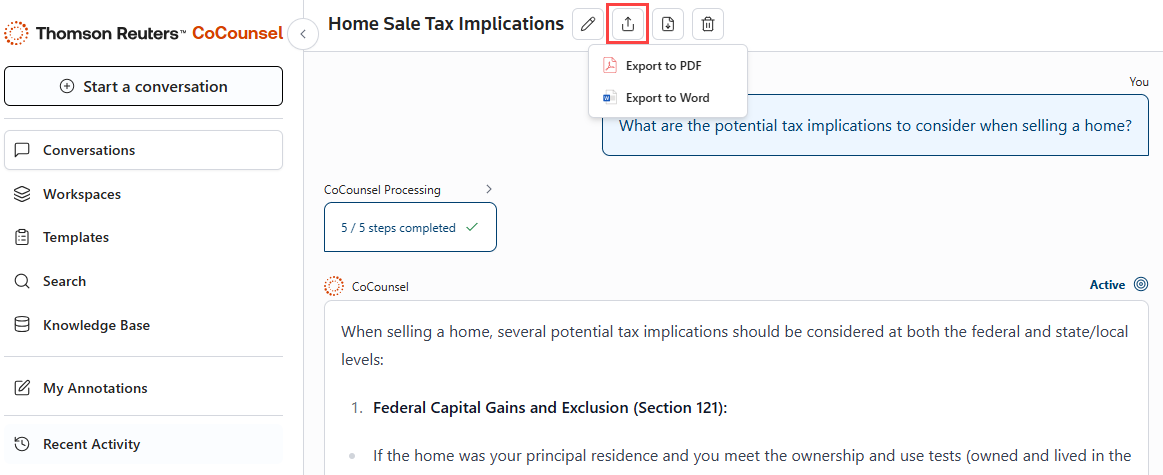
Download the conversations
Select the
Download
button to export conversations to a PDF or Word document.