
Refresh diagnostics
Update the diagnostics list after correcting or adding information to the return.
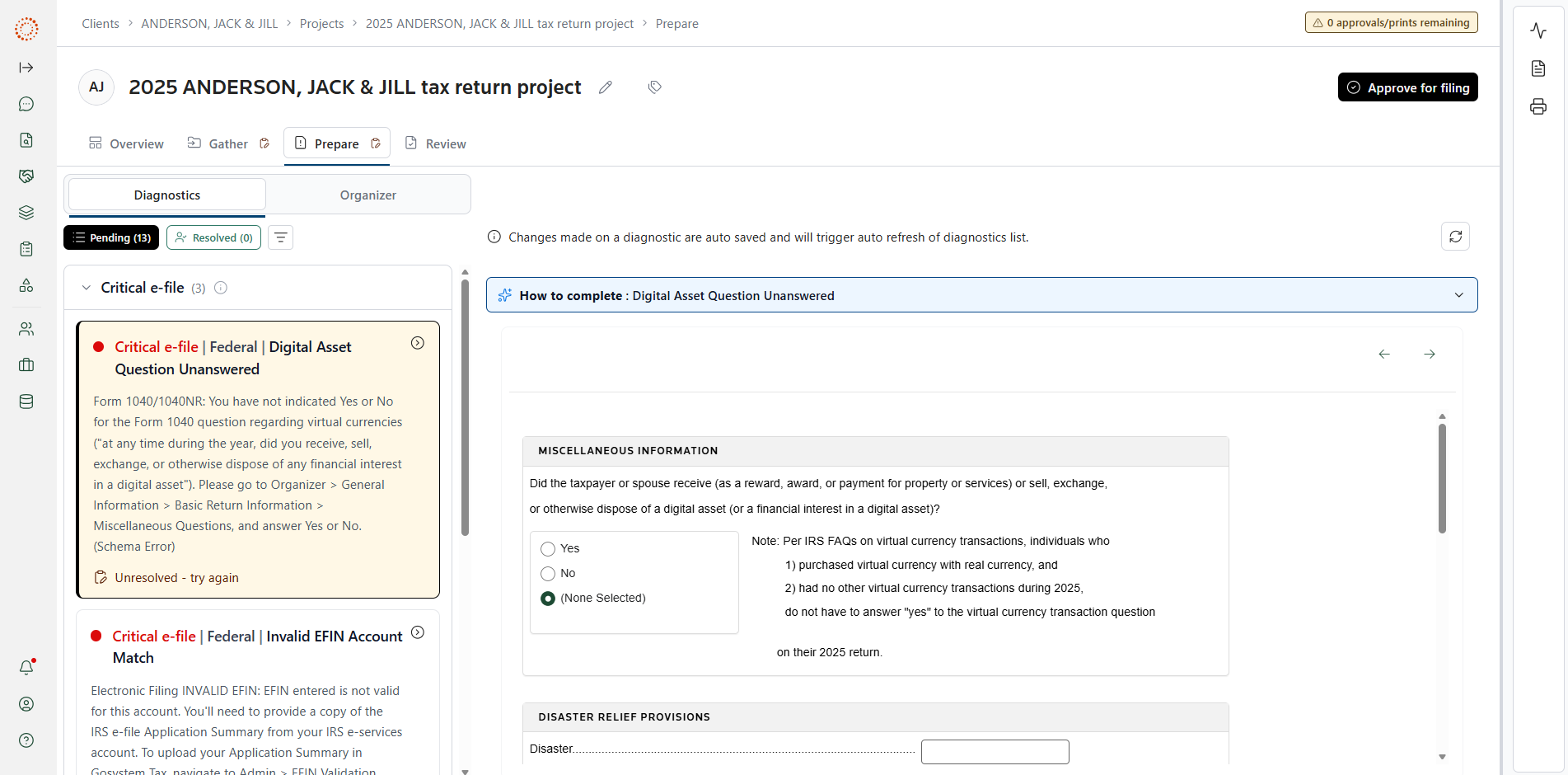
Diagnostics refresh automatically when you open them after correcting or adding information to the return. The list also updates when you resolve a diagnostic and move to the next one. To refresh the list manually, select the refresh icon.
- On thePreparetab, selectDiagnostics.
- Wait for the system to rerun the diagnostic checks.
- Review any new or remaining diagnostics.
- Resolve the diagnostic, then select the next one in the list or the refresh icon.
Related Content
-
Tax preparation: Diagnostics
Format: Article