
Units
Units
are your usage currency in Ready to Review. They represent the cost of processing and filing tax returns.Important distinctions
:- Units are not the same as user seats: There is no limit on the number of users in Ready to Review.
- Units equal usage: You are charged based on the number of returns you process and file.
When and how units are charged
Unit consumption:
You are charged for a unit when you:
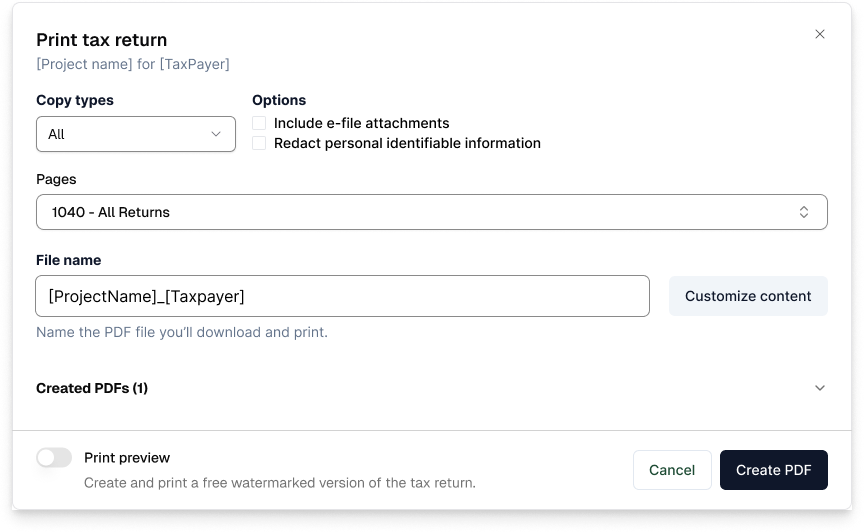
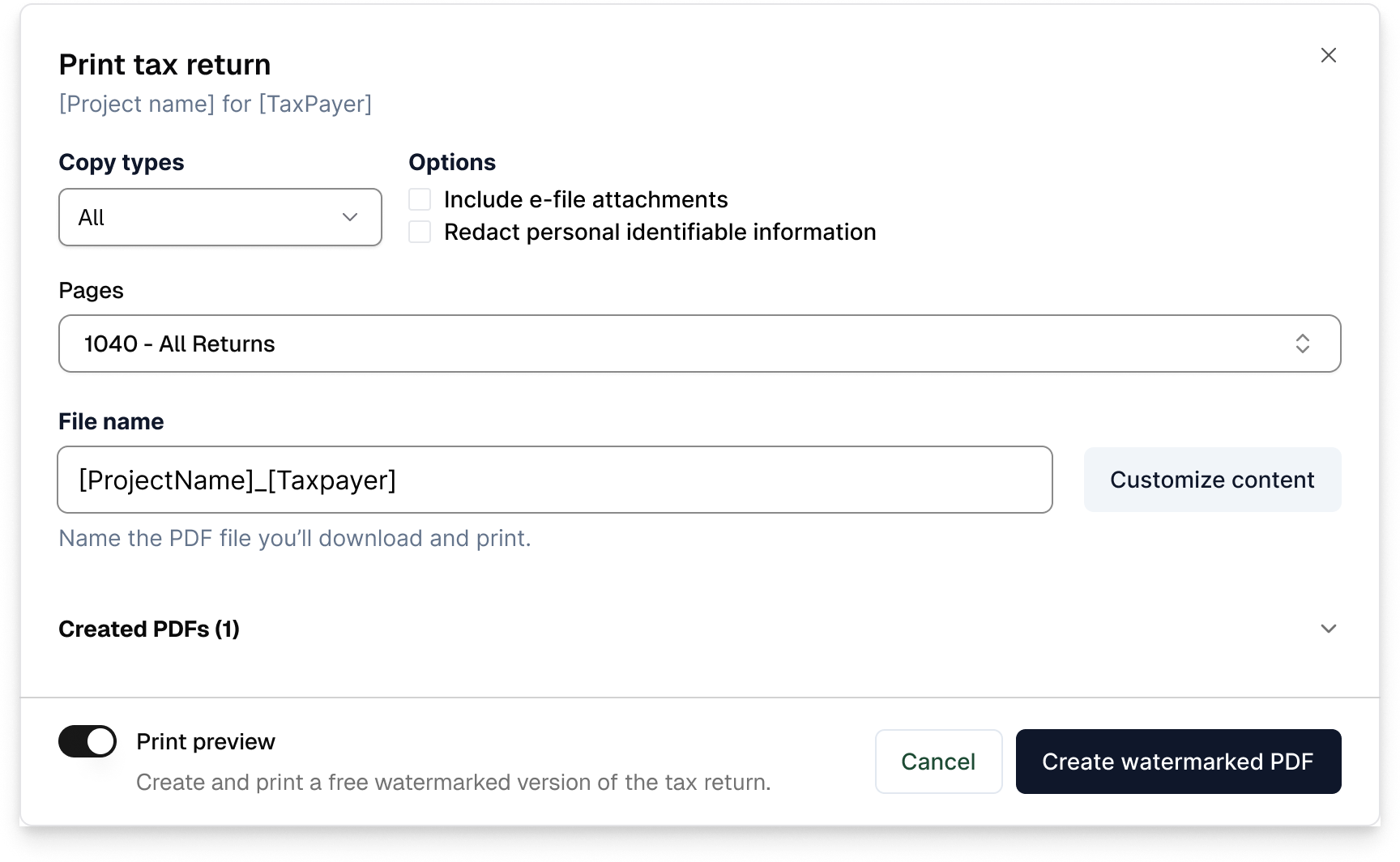
- Print a tax return (final PDF) without watermark.
- Approve a return for e-filing.
You are
not
charged a unit for:- Uploading documents.
- Extracting data.
- Reviewing the return.
- Running diagnostics.
- Saving or editing the return.
important
Units are only consumed at the final step—when you move forward with printing or filing the completed return.
Unit overage
If you use all your purchased units within a contract period:
- You'll get a prompt:Uses 1 overage unit
- You can still:
- Review existing tax return projects.
- Create new projects.
- Upload documents and extract data.
- Print the tax return.
Overage billing
- Any overage units will be added to your monthly bill.
- Overage units reset at the beginning of each new billing cycle.
- You can track your current monthly overage in your next month’s bill.
Make the most of your units
:- Plan ahead: Estimate the number of returns you'll process and purchase units accordingly.
- Review before printing: Ensure the return is complete and accurate before consuming a unit.
- Monitor usage: Regularly check your unit balance in the organizationSettings.
- Establish guidelines: Create internal policies for when and how units should be used.
Firm-level guidelines
Consider establishing rules such as:
- Only senior reviewers can approve returns for filing.
- Require a final quality check before printing.
- Track unit usage by preparer or department.