
Upload documents
Upload documents by accessing the project, using upload options like drag-and-drop, and then review the automatically categorized files in the
Gather
tab.- Go to your project.
- Go to theOvervieworGathertab.
- Select+ Upload documentor use the drag-and-drop area.
- SelectUpload and continue.
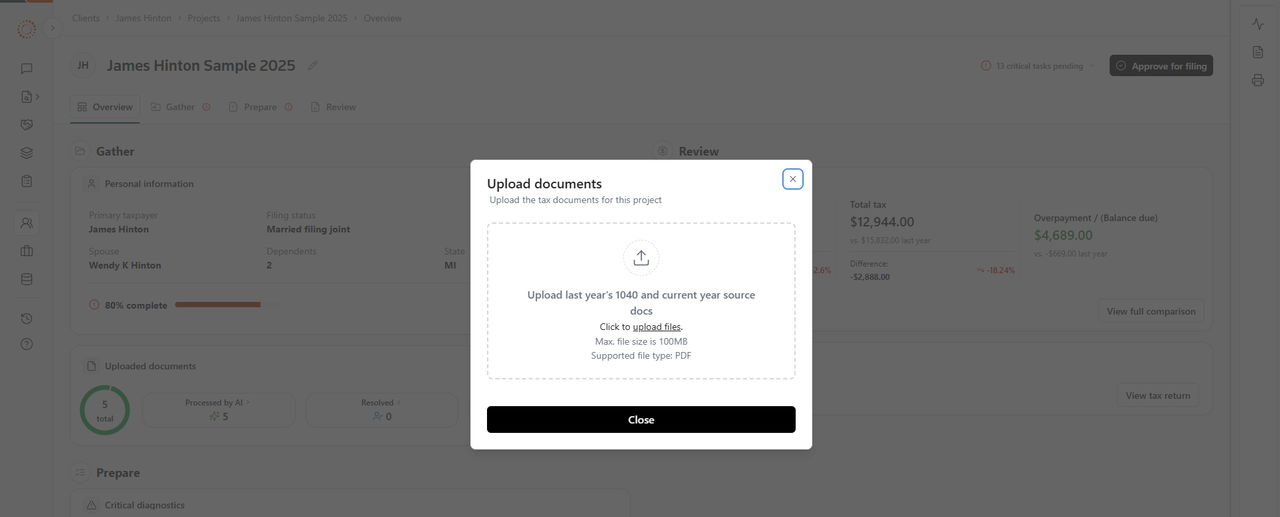
Upload options
- Upload single documents one at a time.
- Upload multiple documents simultaneously.
- Drag and drop for quick uploads.
After the upload:
Documents will be processed and categorized automatically. You can view them on the
Gather
tab:- Document name: Name of the uploaded file.
- Category: Auto-detected document type (for example, W-2, 1099-INT).
- Document processing status: In Queue, Processing, Processed by AI, Action Needed, Resolved.
- Date uploaded: Upload a timestamp.
- Actions: Options to view, resolve a task.
Related Content
-
Upload and gather documents
Format: Article