Customising emails
Contract Express allows customising invitation emails used in the system. You can customise the following emails:
- User invitation into the system- emails that Contract Express sends to users, invited to the Contract Express license space.
- Guest invitation to edit a document- emails that Contract Express sends to users invited as guests to edit a contract.
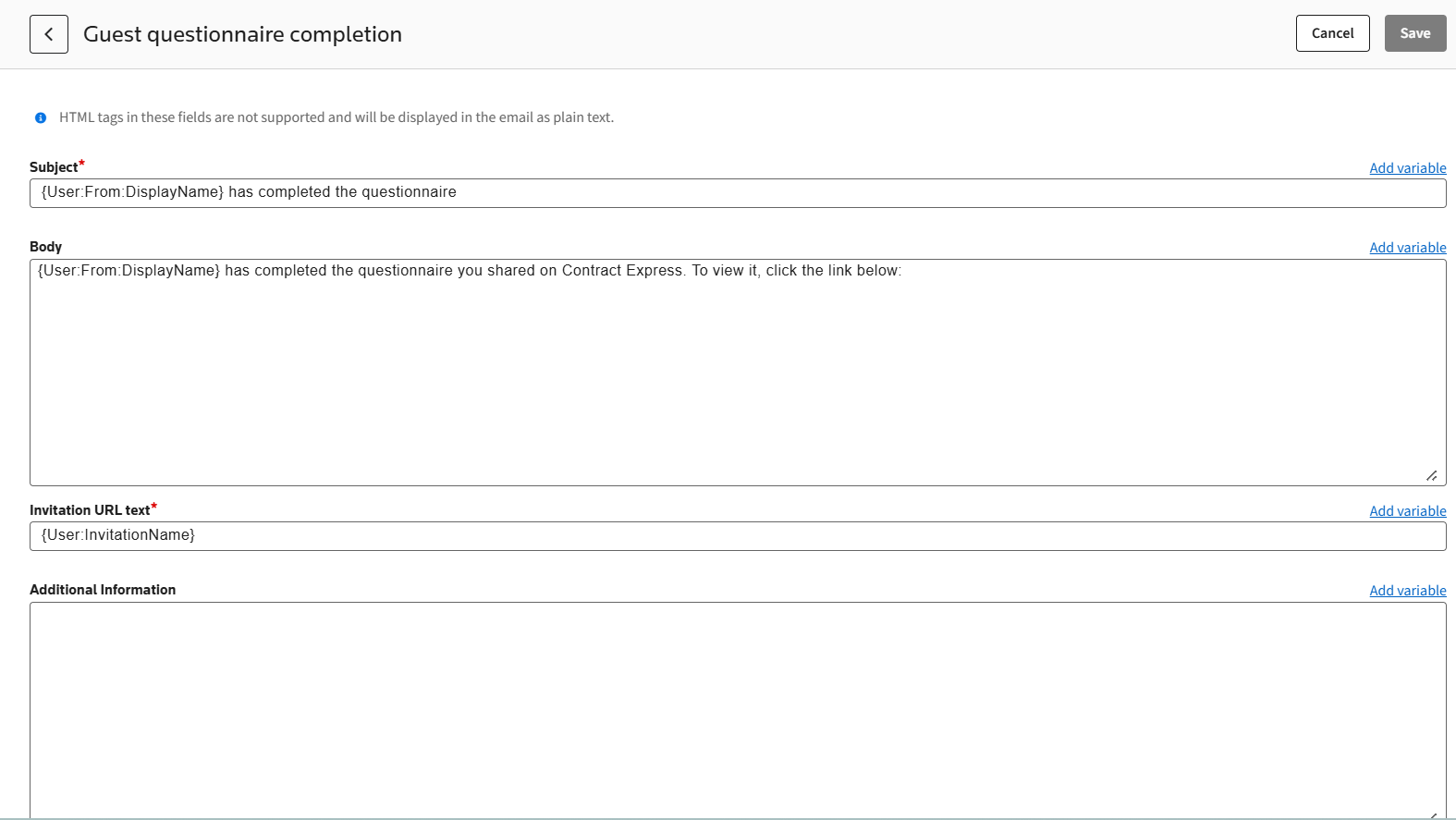
- Guest questionnaire completion- emails that Contract Express sends to a document owner, when a guest completed questionnaire and clicked onClick here to notify owner you have finished making your changes.
To customise an email:
- Go toAdmin>Emails.
- Select the required email.
- Change emailSubjectorBody.You can add a variable to the email (for example, the sender’s User Name) that Contract Express will substitute with this variable’s value before sending the email. Variables are marked by curly brackets: {User:From:DisplayName}.
- ClickSave.