
Install Contract Express Author
Template authors need Microsoft Word 2013, 2016, 2019, or Microsoft Office 365 (desktop version), running on
Windows 11
to install Contract Express Author.You must also have .Net Framework 4.8, available from Download .NET Framework 4.8 | .NET, and Visual Studio 2010 Tools for Office Runtime, available from Download Visual Studio 2010 Tools for Office Runtime from Official Microsoft Download Center.
Follow the below steps to install the application:
- Select theTemplatestab.

- Click on Download author add-in. This will download a file called TR CE Author MT. Once downloaded, click on the file to install the application or click Run if prompted. Below is a snip from Chrome which downloads to the Downloads folder.

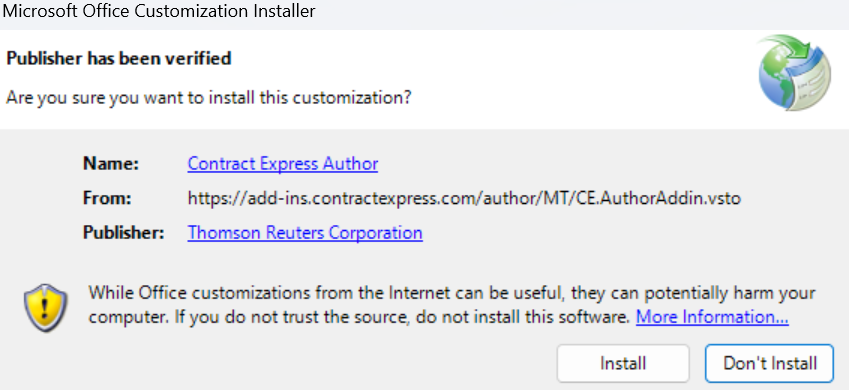
- When prompted with the following screen, click on Install.
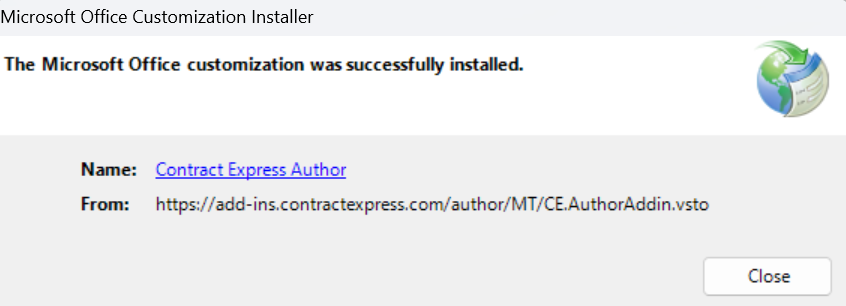
- Click Close when the install is complete.
- To complete the installation of Contract Express Author, begin by opening Microsoft Word. If Microsoft Word is already open, close it and then open it again. You should now see a new tab on the ribbon labeledContract Express.

Connecting Author to Contract Express
- Click theOptions
 button on the Contract Express ribbon.
 - Navigate toServersto see your connections list.
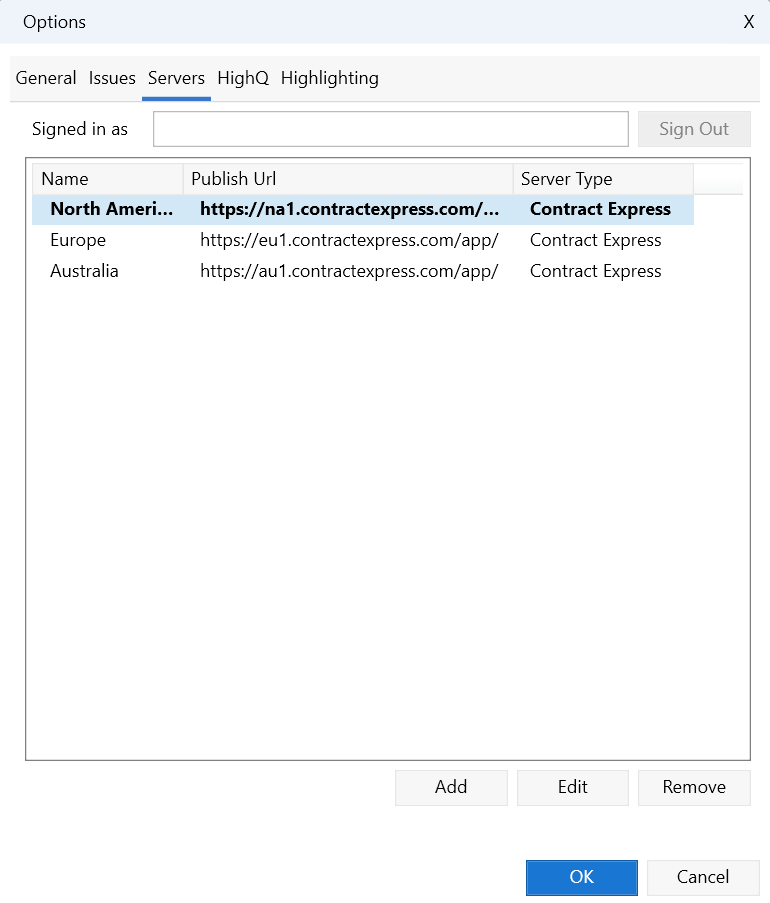
- From here, you can add, edit, select or remove connections:
- To add a new connection, clickAdd, give the connection a name and enter your server URL.
- To edit a connection, select the connection, clickEdit, and modify as desired.
- To select an existing connection, choose it from the list.
- To remove a connection, select the connection and clickRemove.
- ClickOKto save your changes.
Confirming the connection
Click on the  button in the ribbon and select
Test
button in the ribbon and select Contract Express
from the list of options.This will open Contract Express in your default browser using your selected Contract Express connection.