
Repeat layout
Controls how repeated questions and groups are titled, displayed, and managed within the questionnaire.
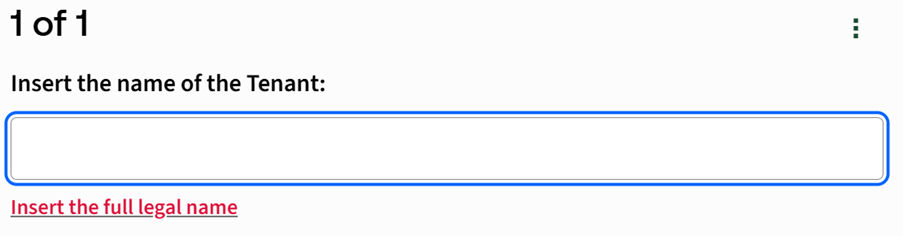
Default title when there is only a single repetition
Controls the title displayed when a question or group repeats only once. By default, this is set to 1.
Default title when there are multiple repetitions
Controls the title format displayed when a question or group has multiple repetitions. Text box (default:
%2 of %4
) – Specifies how repetition titles are displayed when multiple repetitions exist. You can use the following placeholders:Placeholder | Description |
|---|---|
%0 | First number as ordinal (e.g. 2nd) |
%1 | First number as ordinal word (e.g. Second) |
%2 | First number as a digit (e.g. 2) |
%3 | First number as a word (e.g. Two) |
%4 | Total repetitions as a digit (e.g. 8) |
%5 | Total repetitions as a word (e.g. Eight) |
For example, setting the title to
%1 of %4
displays "Second out of 8".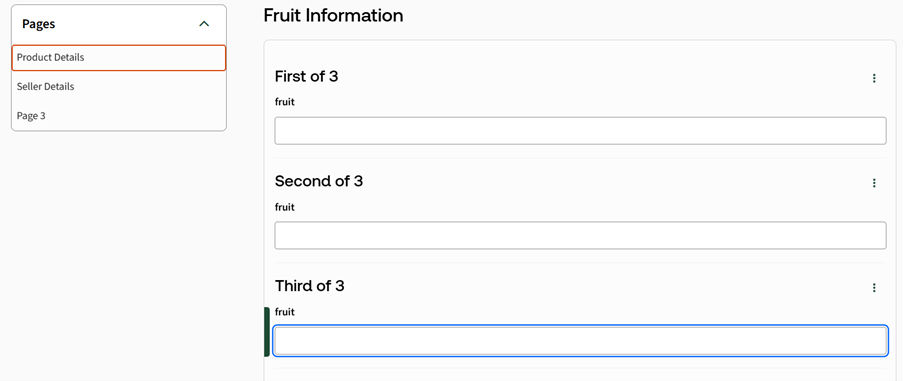
Layout of repeated questions on a questionnaire page when not specified in the template
Controls how repeated questions are presented on a questionnaire page when no layout is defined in the template.
- Show all repetitions– Displays all repetitions on the page at the same time.
- Show one repetition at a time, with buttons to navigate between the repetitions– Displays one repetition at a time and provides navigation buttons to move between repetitions.
- Show the repetitions as a grid, with repetitions across the grid and questions down the grid– Displays repetitions as columns and questions as rows.
- Show the repetitions as a grid, with repetitions down the grid and questions across the grid– Displays repetitions as rows and questions as columns.
Management of dynamically repeating data
Controls how users can add or remove repeated data in the questionnaire.
- Append after and delete only the last repetition– Allows users to add new repetitions only after the last one and delete only the final repetition.
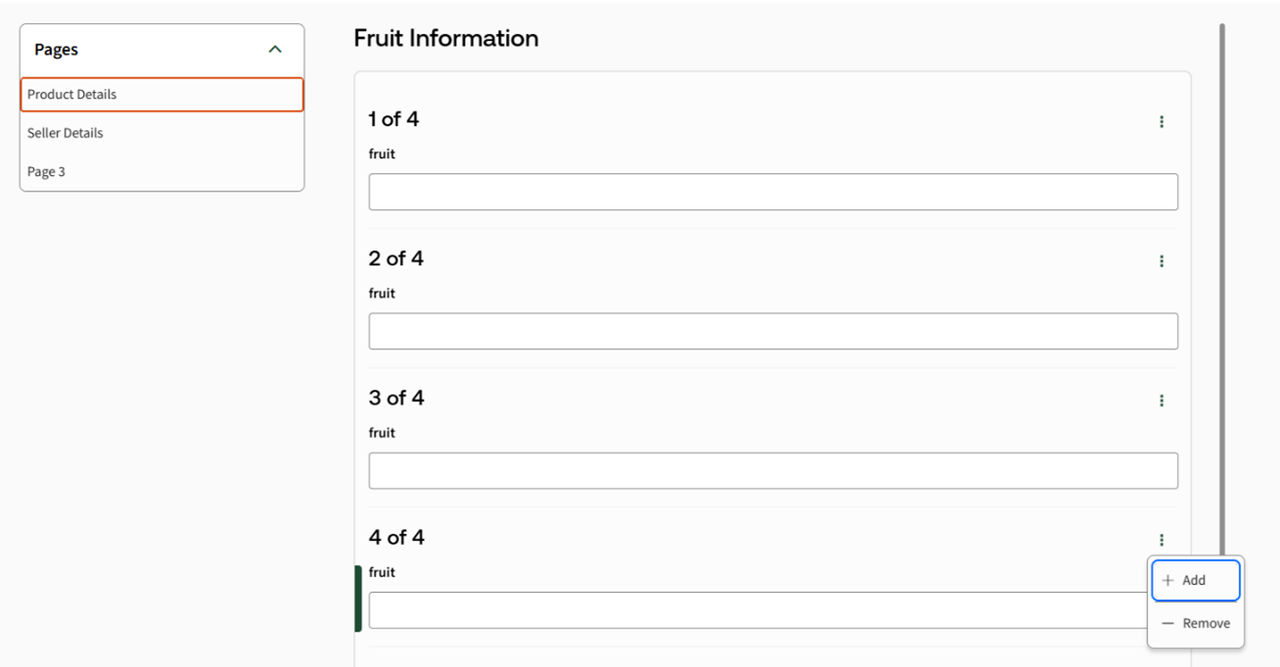
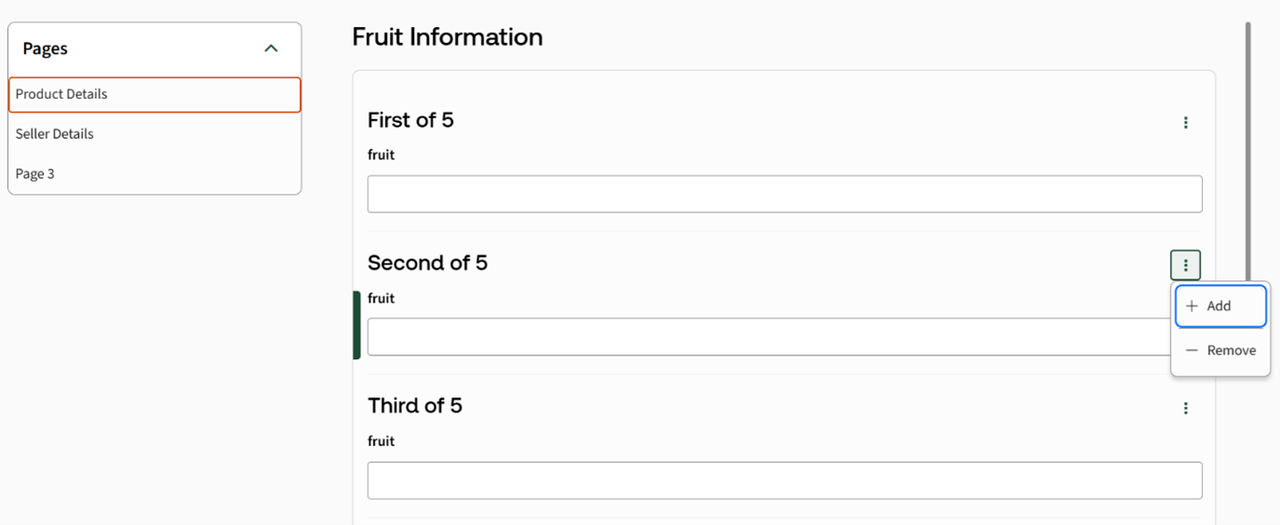
- Insert before/after and delete any repetition– Allows users to insert or delete repetitions before or after any existing repetition.
Buttons to add/remove dynamically repeating data
Controls where add and remove buttons for repeating data are displayed.
- Include on every group of every page where they are required– Displays add or remove buttons on all pages where related repeating data appears.
- Include only on the first group of the first page where they are required– Displays add/remove buttons only on the first relevant group, preventing changes on later pages that could require users to revisit earlier answers.
note
Use
Include only on the first group of the first page where they are required
to avoid users needing to navigate back and manually adjust answers when repetitions are added or removed.Related Content
-
Questionnaire
Format: Article