Values
Add Value and Add Multi-Line Value
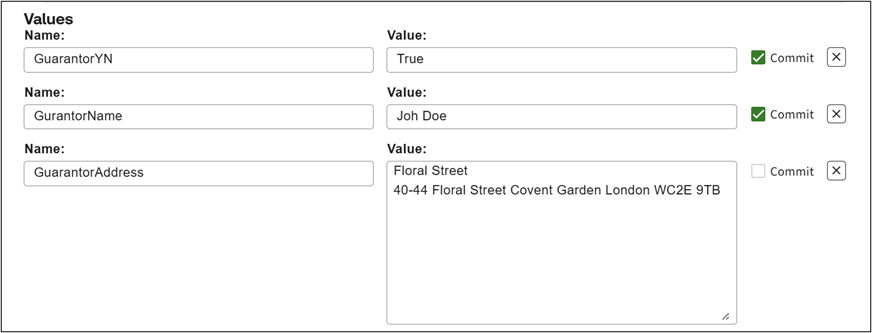
The Values section allows you to pre-populate questionnaire answers at the profile level.
Use
Add Value
to prefill answers for standard variables or Add Multi-Line Value
for multi-line text variables, by specifying the variable name and the required answer.If you want to prevent users from changing the pre-filled answer in the questionnaire, tick the
Commit
checkbox next to the value.note
This only works if the relevant profile setting for displaying committed answers as read-only is enabled.
As a faster alternative, you can select
Upload Profile
from the Profiles page and upload an existing answer file. This automatically creates a new profile with Add Value and Add Multi-Line Value entries populated based on the uploaded data, which is particularly useful when creating profiles for templates with a large number of questions.