
Check Citations
WestCheck extracts citations, checks them, flags unverified or error-prone citations, and generates online or offline citation reports.
You can check your citations in the WestCheck tool using the KeyCite, Find, QuoteRight, and Cited Decisions services then create an online or offline report. Note that citations that are unverified or that contain potential errors are display with an unverified tag next to them. This tag remains until the citation is corrected and the new citations list is extracted or until the citation is manually added to the list.
- Select theWestChecktool on the side of your document.
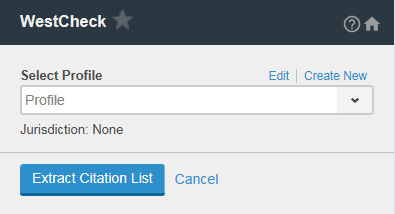
- If you are a new user, it is recommended that you define presets for common use cases using theProfileoptions. Profiles let you select, save, and reuse options you use frequently.
- SelectExtract Citation List.
- Select the services (KeyCite, Find, Cited Decisions, QuoteRight) to use to check your citations.
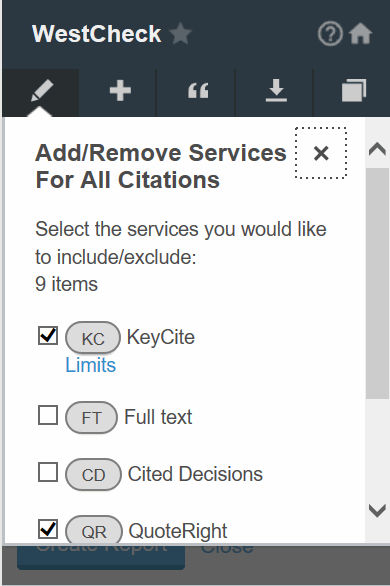
- To add/remove services for all citations, select theAdd/Remove Servicesbutton (
 ), select the services you would like to include/exclude, and select Apply to all citations.
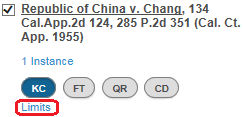
- To add/remove services for individual citations, select to add/remove the services using the buttons surrounding the citation. To set KeyCite limits, select theLimitslink under theKCbutton.
Related Content
-
About Drafting Assistant Add-In for Word Online
Format: Article

