
Export Data Entry
In
Review & Edit
, you can select a Base Dataset
and a component in Data Entry Introduction, and then export that data to an Excel spreadsheet.Export Worksheet Template
Export data from a data entry page to create a worksheet template for import and data backup purposes. For example, exporting the PTBI page creates the #PTBI# sheet which you can use to enter data and then import that data.
- Only Administrators and Read-write users can import data entry line items.
- The export file will contain all entries including hidden fields from the data entry page that is open.
- The export consists of Federal and State worksheets (for those components that apply). For example, Perm Diffs Tax Basis will consist of #UPD# and #SPD# worksheets(if there are state entries).
note
To ensure the file can be restored export the categories in Administration.
To export data and create a template do the following:
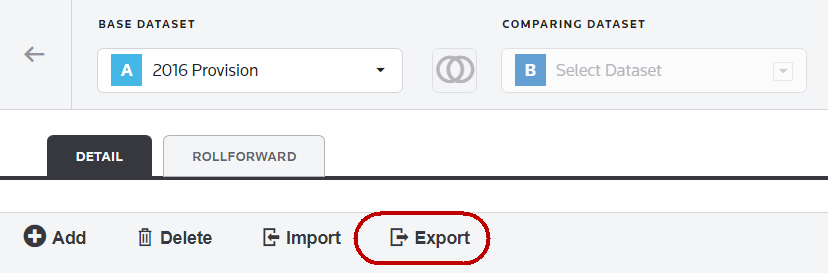
- Select theExporticon in the Data Entry ribbon.
- Type the file name.
- SelectEXPORT FILE.
