Activation
You can activate the Return to Provision (RTP) posting by setting up the Dataset Relations RTP for a Return dataset. Then, the RTP posting, Post Ret-to-Prov, option appears only in the dataset designated as the Return dataset.
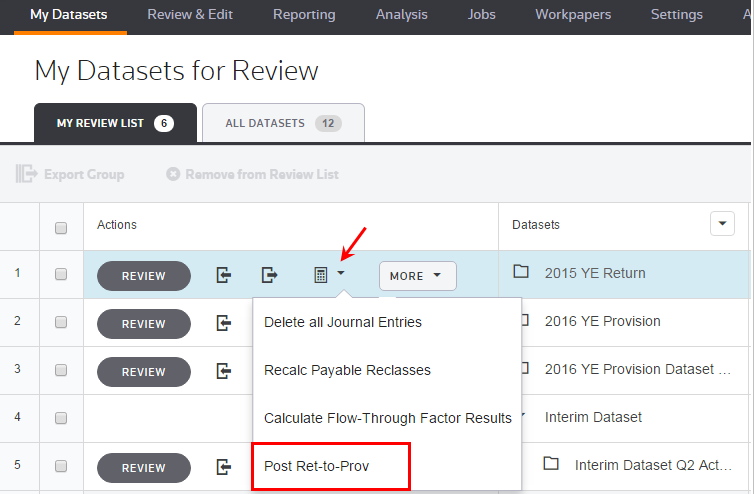
- SelectMy Datasets>Dataset(designated as the Return Dataset in Manage Relations) >Calculate>Post Ret-to-Prov.
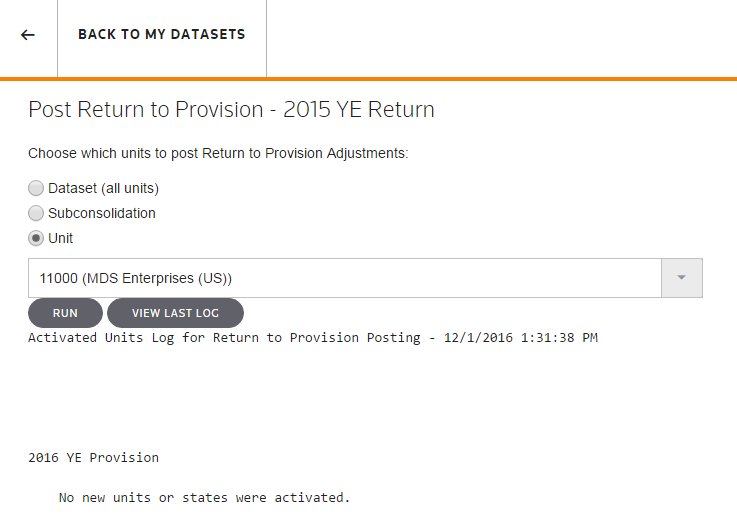
- Choose which units to post the Return to Provision Adjustments in the Related Current Provision (RTP Target).
- UseDataset(all units) to post the adjustments for all units in that dataset.
- UseSubconsolidationto post the adjustments for all units within the Subconsolidation. SelectSubconsolidationthen a sub-consolidation within the drop-down list.
- UseUnitto post the adjustments for one unit. SelectUnitthen a unit within the drop-down list.
Post Return to Provision
Return to Provision Posting

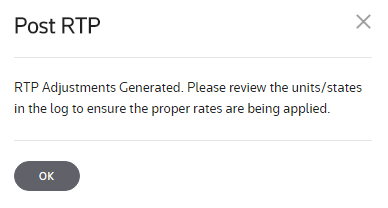
Post RTP