
Payable Settings
By using
Payable Settings
, you can assign Transaction Types
to a Custom Tab for the Payable Summary option. You use the Payable Summary Entry option to assign transaction types. By assigning transaction types, you can limit the number of transaction types available in the Custom Tab.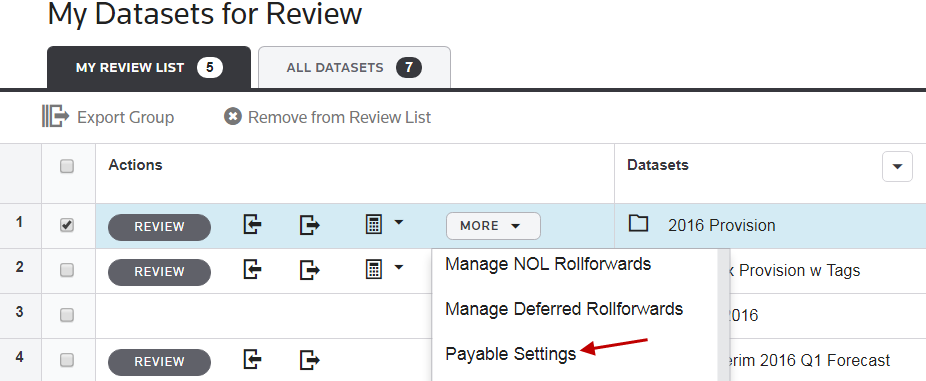
note
To see the
Payable Settings
option in the drop-down list, you will import the system parameter, SHOW_PAYABLE_SETTINGS
, using the #CP# Parameters
worksheet, within the Category Import spreadsheet.To assign a Transaction Type to a Custom Tab:
- SelectMy Datasetsand thenMore.
- SelectPayable Settings.
- Select aTransaction Typefrom the drop-down list.
- Select aCustom Tabfrom the drop-down list.
- SelectSave.