
Batch Printing - Selecting Copy Type
- SelectCopy Typefrom the Limiting Conditions list.
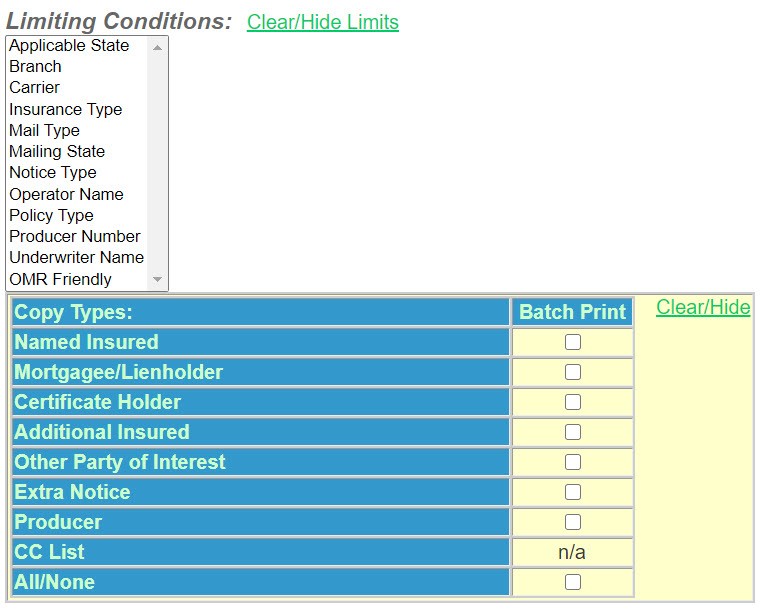
- SelectAll/None. For this example, print all notices with a mail date of today.
- You can sort the items in the batch by several criteria, if you wish.

- If you select more than one sort item, the program will sort by the first item selected, then the second item, etc.
- Continue toOther Options.