
Printing a Notice - Print Options
Your company Print Options defaults are set in
Utilities
. You can change these defaults, if necessary.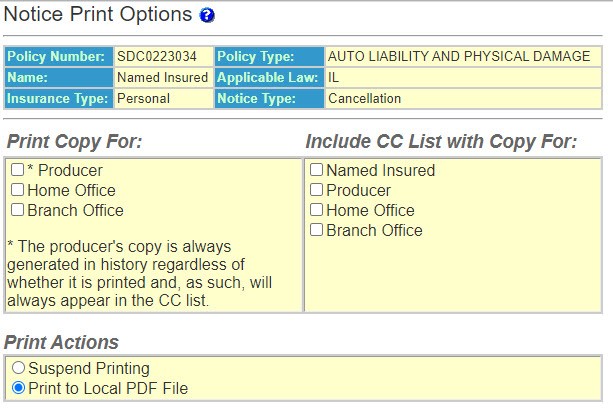
- On the side menu, selectGenerateto print the notice. Policy Terminator opens Adobe Acrobat.
- On the Adobe Acrobat tool bar, selectPrint.
You have successfully added new policy information, generated a notice and printed it.
You can also print notices from Notice History Detail.