
Renaming Policy Types
Use this screen to rename a policy type.
- On the Main Menu, selectUtilities > Data Setup > Personal or Commercial Lines Setup.
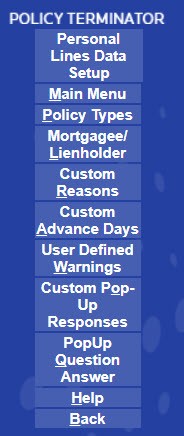
- SelectPolicy Types.

- On the side menu, selectAdd New.

- Select theBase Policy Typefrom the drop-down list. The policy type that has been researched by our research department. You must select the correct Base Policy Type to produce a compliant notice.

- Enter thePrint Title. The name of the policy type you have selected.
- Complete the Information.
- On the side menu, selectSave/Return.
- Your new policy type is now in the list and you can select it when producing a notice.