
Add or edit an email notification template
Notifications
lets you create reusable templates for your ONESOURCE DataFlow setups. You can use the default templates provided for Initial
, Reminder
, and Complete
notifications.- Sign in to ONESOURCE Administration.
- SelectNotifications, thenTemplates.
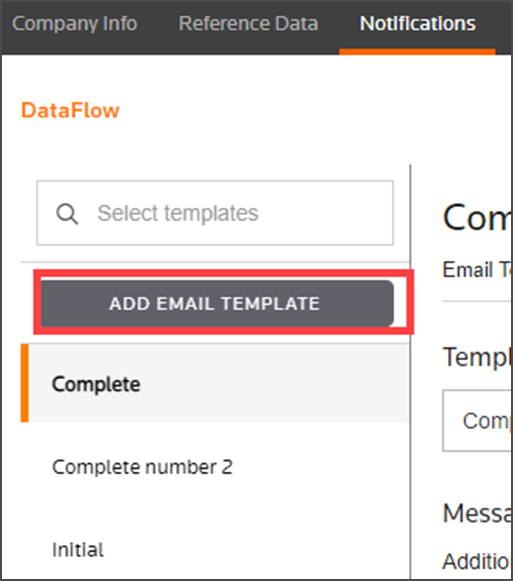
- SelectAdd Email Templateor select the template you want to edit.
- Customize or edit your template, then selectSave.