
Delete a file from the data queue
Use the
Data Queue
screen to delete files.- Sign in to ONESOURCE General Ledger Manager, then selectData Queue.
- SelectDeletefor the file you want to delete.

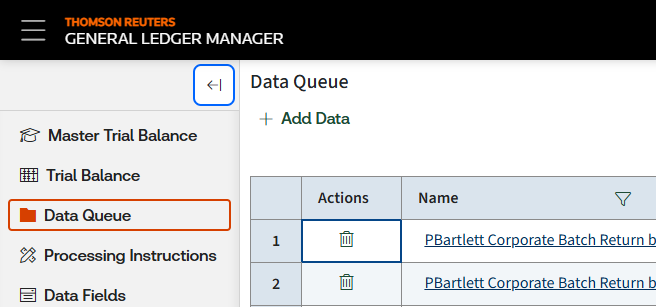
- SelectYes.noteYou'll needDeletepermissions in ONESOURCE Administration to delete files.