
Adding and/or Deleting Data
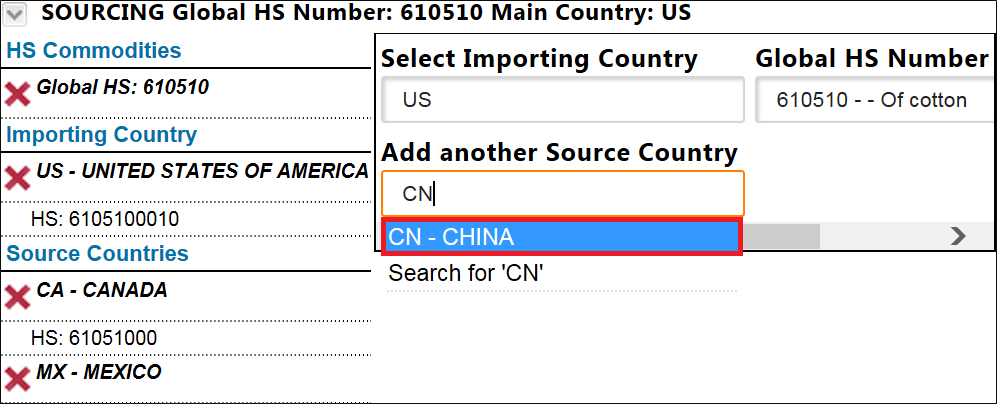
Users can add or delete data once the exporting/sourcing information is populated by clicking the expansion arrow near the top of the screen.
Export

Import

Clicking the expansion arrow re-opens the search criteria at the top of the screen. Make any necessary changes to the data, and then click
Analyze
to execute the updated search.
Be sure to select fully qualified HS Numbers for destination/source countries where
Select an HS
is displayed with any listed destination/source country. The new data will appear alongside the previously keyed information.Export


Import

Related Content
-
Global Trade Content (GTC) Analyzer
Format: Article