
Sanctions
The
Sanctions
row uses information from ONESOURCE Global Trade’s Denied Party Screening module. When no sanctions are identified for the destination/source country, a green dot is shown alongside No Known Sanctions
. When at least one sanction is identified for the country, a yellow dot is shown alongside Sanction May Apply
. This row is identical for both Trade Lane Analyzers.Clicking
Show More
opens the lists from Denied Party Screening where a sanction appears.
To minimize again, click
Show Less
.
To see the details of a specific sanction, click the name of an individual list.

Clicking on a sanction will open the
Entity Detail
pop-up. This pop-up is identical for both Trade Lane Analyzers.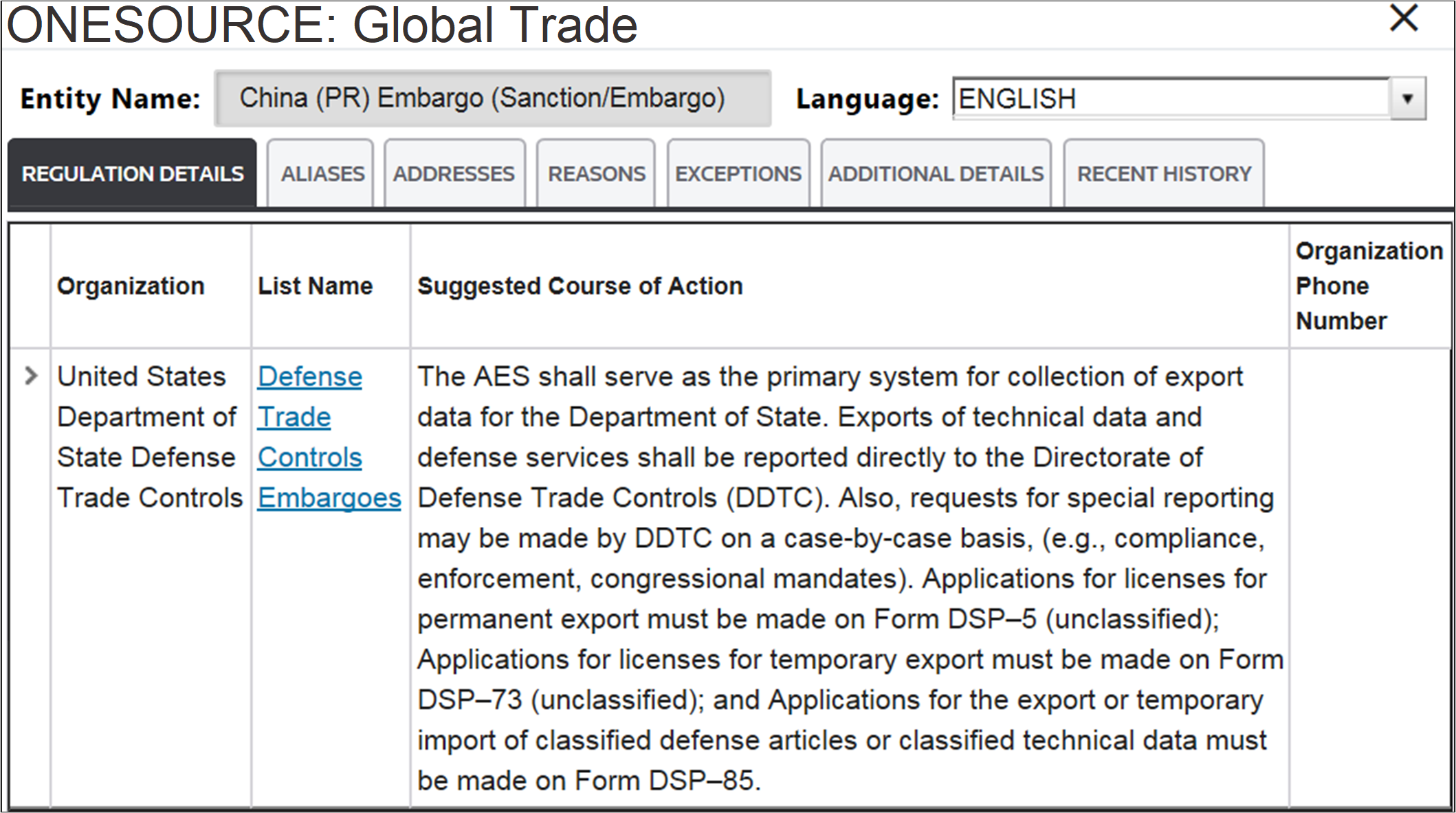
Related Content
-
Global Trade Content (GTC) Analyzer
Format: Article