
Default Tariff Schedule/HS Number Setup
First time users are prompted to set a default tariff schedule and/or HS chapter for the Global Tariffs screen. This is entirely optional.
To exit the Global Tariffs Search Profile pop-up without setting a default
, click Cancel
in the top right of the pop-up.
To choose a tariff schedule
, use the Please select a tariff
drop-down. This drop-down has type-ahead capabilities to assist with finding a tariff schedule. Choose a tariff schedule.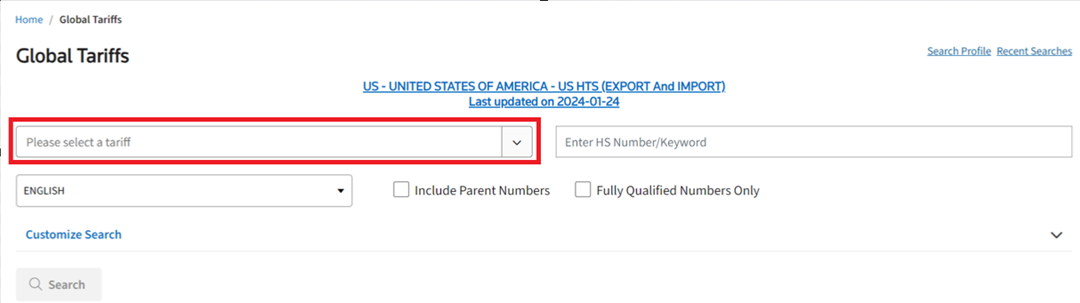
After a preferred tariff schedule is selected, enter an HS Number/Keyword. To opt out of setting a default tariff schedule and/or HS Number, click
Cancel
or X
.
If a default tariff schedule and/or HS Number needs to be set up in the future, click
Search Profile
in the upper right corner of the Global Tariffs
screen. This action will open the Global Tariff Search Profile
pop-up.Related Content
-
Global Trade Content (GTC)
Format: Article