
Displaying Controls in Different Languages
Controls are often published in the native language with a translation into English (or have been translated by the ONESOURCE Global Trade team). These controls appear in a grid format with an arrow feature allowing you to see all available languages for the Control Description.
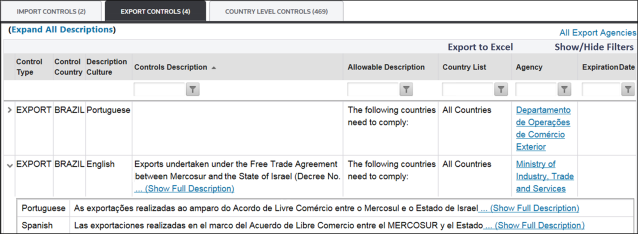
To select another available language, choose from the
Description/Controls/Notes Culture
drop-down in the top left corner of the screen.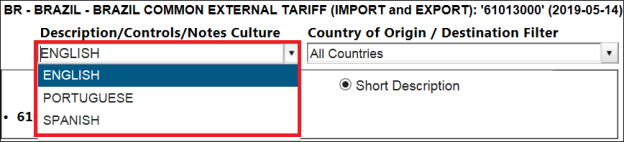
If a control is published in its native language and no translation is available, an empty box appears for English when you select
English
in the Description/Controls/Notes Culture
drop-down. When you switch to the native culture, the control appears in the regular grid format.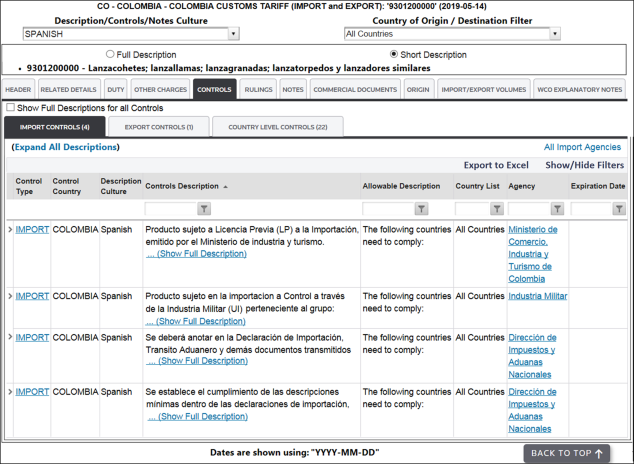
Related Content
-
Global Trade Content (GTC)
Format: Article