
Require additional years for data restoration
For DPS
At times, you may require additional years to be restored into the application, beyond those already requested.
1. Go to the screen and select
DPS Management
Access older records
on the top of the screen.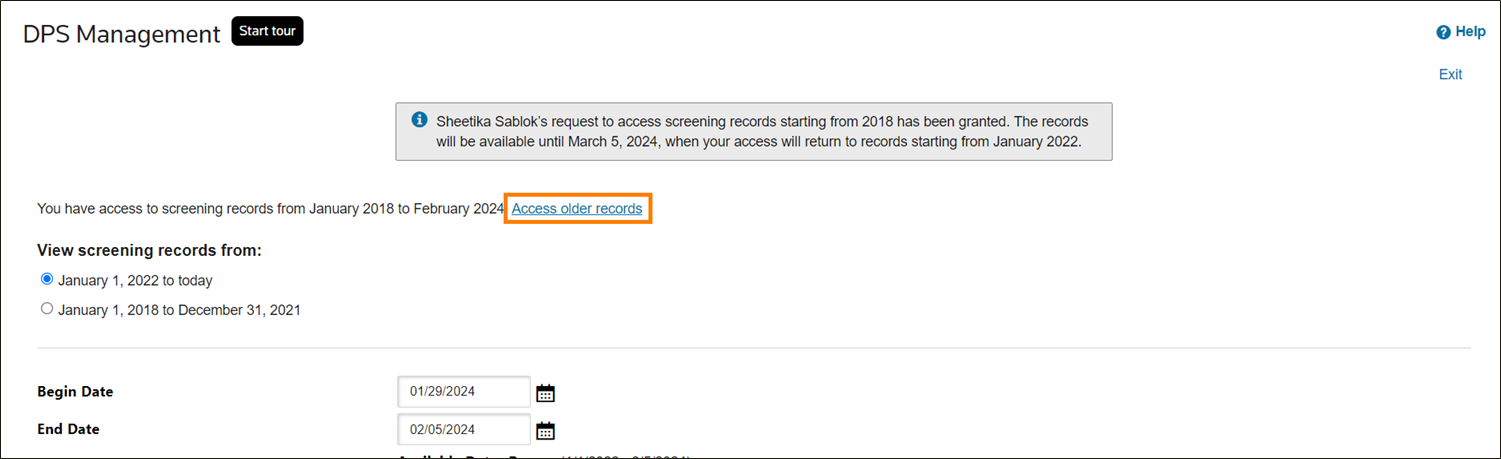
2. Fill out the
Archive access request information
.- Select the desired period from the dropdown.
- Provide a brief and relevant reason in theReason for request*field.
important
Both steps are mandatory.
3. Select
Require access
.Once submitted, you will receive a notification on the screen as well as an email when your request is approved. The additional records will then be accessible in your
DPS Management
DPS Management
search results.For Global Classification
- Go to theAll Products Changelogscreen and selectAccess older recordson the top of the screen.
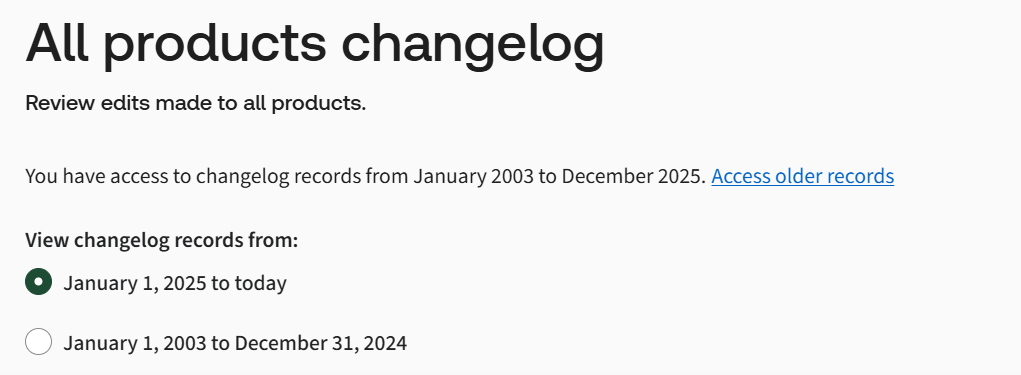
- Fill out theArchive Access Requestinformation.
- Choose the desired period from the dropdown.
- Provide a brief and relevant reason in theReason for request*field.
important
3. Select Both steps are mandatory.
Require access
.
Once submitted, you will receive a notification on the
Products Changelog
screen and an email notification when your request is approved.For FTA
- Go to theFTA Audit Logscreen and selectAccess older recordson the top of the screen.

- Fill out theArchive Access Requestinformation.
- Choose the desired period from the dropdown.
- Provide a brief and relevant reason in theReason for request*field.
important
3. Select Both steps are mandatory.
Require access
on the bottom of the screen.
Once submitted, you will receive a notification on the
FTA Audit Log
screen as well as an email notification when your request is approved. Related Content
-
Archive Settings (User Data Management)
Format: Article