
Getting started in Multi-Levels Approvals (MLA)
To access MLA management:
- Go to the menu under your username.
- SelectTools.
- ChooseMulti-level approvals.
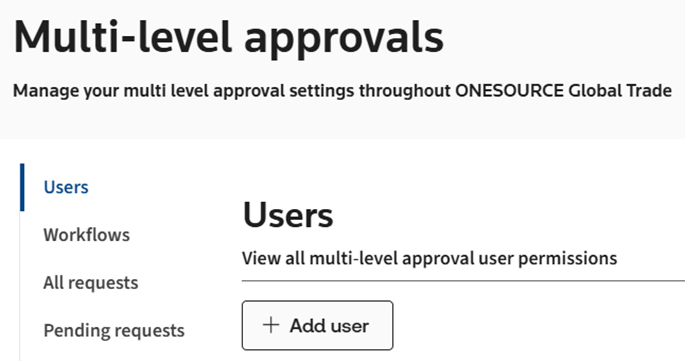
This action takes you to
Multi-Level Approvals Management
.Once the screen opens, you will have access to the following tabs:
Tab | Usage |
|---|---|
Users | View and manage users responsible for approving changes to product. Only admins can access this tab. |
Workflows | View workflows created to manage people responsible for approving changes to products. Only admins can access this tab. |
All requests | View all multi-level approval requests. |
Pending requests | View all pending multi-level approval requests. |
Request number templates | View all multi-level approval request number template. Only admins can access this tab. |
Related Content
-
Multi-Level Approvals (MLA)
Format: Article